
Disclosure: Buytoplab is reader-supported. If you buy through links on this page we may earn a small commission at no extra cost to you. We never accept payment for a ranking or a review, and we publish the downsides as plainly as the upsides. How we rank products.
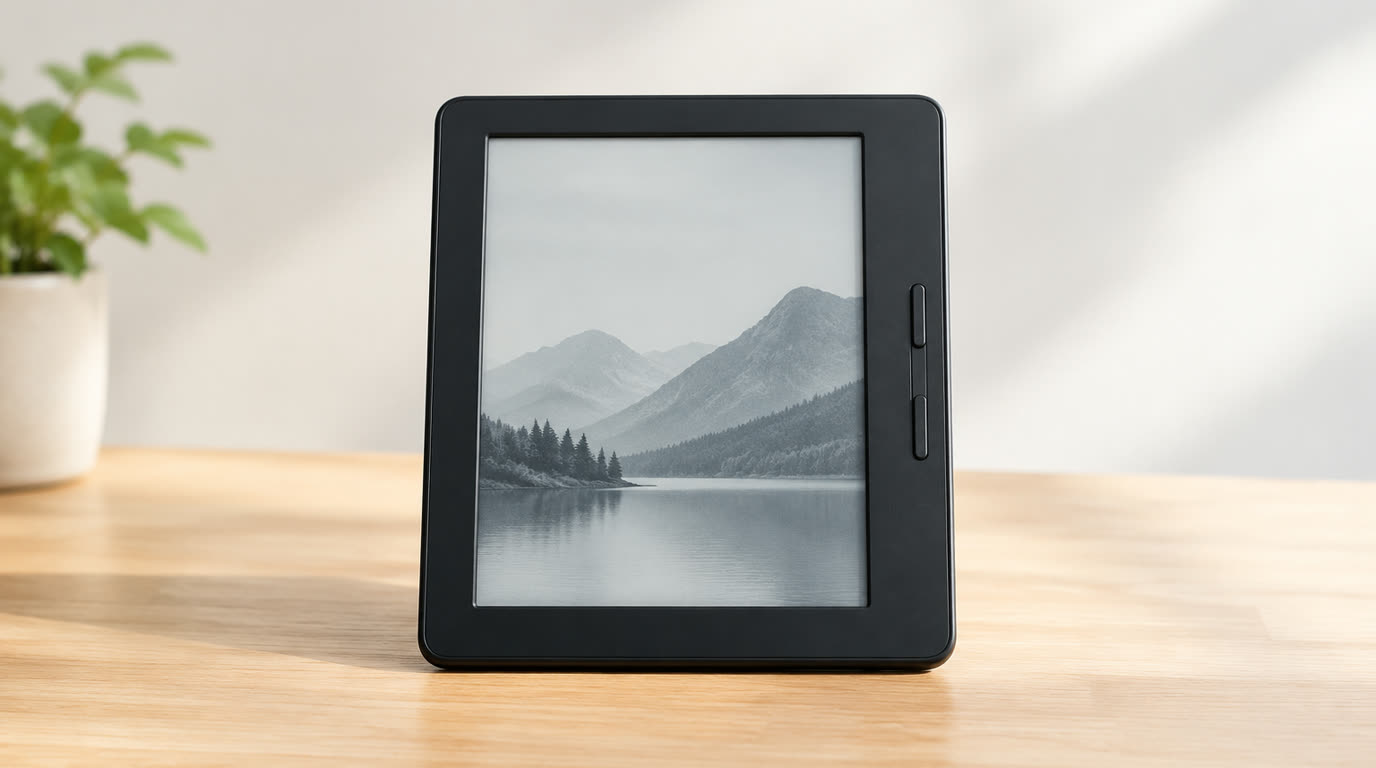
Spend this, not more: $130-250 buys a 6-7 inch paperwhite display, warm light, waterproofing and weeks of battery. Above $300 you add a 10-inch screen for PDFs and note-taking that most readers never touch. Under $90 you get ads and a dim front light.
Quick answer:
- Best overall: Kindle Paperwhite 2024 (~$150) – 7-inch, 16GB, warm light, waterproof, the benchmark for pure reading
- Best for wife on the go: Kobo Libra Colour (~$230) – color e-ink, page-turn buttons, comfortable one-hand grip, open EPUB
- Best for comics/notes: Kindle Scribe (~$340) – 10.2-inch, note-taking stylus, the all-in-one for reading and jotting
- Best budget: Kindle 2024 (~$100) – 300dpi, 16GB, lightweight, the cheapest honest e-reader
How much should you spend? $130-250 is the value zone: warm light, water resistance and real paper-like clarity. Under $90 you trade brightness and feel. Over $300 you mostly pay for screen size and stylus.
First: Answer These 3 Questions
- Do I need an e-reader if I have a phone? Yes, if you read more than 30-60 minutes at a time. E-ink kills eye strain and distraction, and the battery lasts weeks, not hours.
- Is a color e-reader worth it? Only for comics, magazines and cookbooks that need color. For novels, color adds cost and slight contrast loss that you will not use.
- Do I need a 10-inch screen? Only for PDFs, textbooks and note-taking at the desk. Handheld fiction reads best at 6-7 inches; big screens hurt wrists in bed.
5 Checks Before You Buy
| Check | Target | Plain English |
|---|---|---|
| Display | 300 PPI, warm light | Resolution sets sharpness; warm light protects your eyes at night and is essential. |
| Waterproofing | IPX8 for warm light edition | The single best reason to choose a paperwhite over a basic e-reader is reading in the bath or pool. |
| Storage | 16GB+ | 16GB holds thousands of books; 8GB gets tight when audiobooks hijack space. |
| Battery | Weeks, not days | Sips power only while turning pages, so a week of heavy reading should leave you above 50%. |
| Format support | EPUB or easy sideloading | A locked e-reader that refuses your library EPUBs is a trap; check format before buying. |
2026 Top Picks (By Specs, Owner Reports & Price, Not Paid Placement)
Kindle Paperwhite 2024 – Best Overall
Price: ~$150
Why: 300 PPI, adjustable warm light, IPX8 waterproofing, 16GB and weeks of battery. The benchmark readers compare everything else to.
Honest take: The pick most people who upgrade from a phone-based reader end up choosing. Downside: Closing ads costs $20 unless you buy the ad-free version.
Kobo Libra Colour – Best Open-Format
Price: ~$230
Why: Page-turn buttons, a comfortable one-hand grip, native EPUB and a color layer for comics and magazines, all without the Amazon walled garden.
Honest take: The honest choice for ecosystem freedom and physical buttons. Downside: Color adds a touch of text contrast; no Audible support.
Kindle Scribe – Best for Notes
Price: ~$340
Why: A 10.2-inch display with a precise stylus for margin notes, journaling and PDFs, plus the whole Kindle library. The writer-reader all-rounder.
Honest take: The desk-side choice for people who read on the train and take notes at home. Downside: Large and expensive; overkill for pure fiction readers.
Kindle 2024 – Best Budget
Price: ~$100
Why: 300 PPI, 16GB and the lightest, sharpest entry price into e-ink. Honest reading without the paperwhite premium.
Honest take: The best cheap honest e-reader that skips the extras. Downside: No warm light, no waterproofing, and the screen is smaller.
One-Line Decision Table
| Your situation | Pick this |
|---|---|
| Day-to-day fiction in bed and on the train | Kindle Paperwhite 2024 |
| Want buttons and open EPUB formats | Kobo Libra Colour |
| Read textbooks and take margin notes | Kindle Scribe |
| Entry-level, just want to read in the dark | Kindle 2024 |
Running Costs: What You Pay After You Buy
The purchase price is only part of the story. Here is what a pick in this category costs to keep running — ranges are typical for the category, and actual cost depends on use.
| Item | What it is | How often | Typical cost |
|---|---|---|---|
| Audiobook pairing | Many readers listen alongside, and audio eats storage | Monthly | $10/mo subscription |
| Selling your old Kindle | Trade-in rebates pay toward a new Paperwhite | Every 3-4 years | Varies |
| Read on your phone | If you read everything on the phone, skip the e-reader entirely | One-time | $0 |
Skip It If… (When Buying Nothing Is the Right Call)
This is the section most buying guides leave out. If any of these describe you, the honest advice is to keep your money.
- You only read a few books a year on your phone – an e-reader is a luxury you will not use.
- You want color comics and cookbooks – a tablet (Lenovo/Samsung) with a color screen beats an e-ink.
- You hate paying for content – borrow from your library app and sideload EPUBs instead.
Sources & Data
This guide uses official specifications, published results from named review bodies and long-term owner reports. Featured sources (verified 2026-09-23):
- RTINGS TV Reviews – independent laboratory measurements (peak brightness, input lag, HDR)
- RTINGS Headphones – independent audio measurements (frequency response, noise isolation)
- RTINGS Mice – independent gaming-mouse measurements (latency, weight, sensor)
- RTINGS Monitors – independent monitor measurements and recommendations
- RTINGS Home – independent lab tests across home electronics
- TechPowerUp GPU Specs – database of official GPU specifications
- SoundGuys – audio hardware testing and measurements
- What Hi-Fi Best Buys – independent audio/tv testing and awards
Table sizes, wattage and prices change; verify current specs at the manufacturer before you buy.
FAQ
Which e-reader has the best screen Kindle Paperwhite 2024 and Kobo Libra Colour offer the sharpest 300 PPI displays; Paperwhite is the most comfortable for pure reading.
Can you read e-readers in the dark Yes, most now have a built-in front light. Warm-light models reduce eye strain at night.
Do e-readers need Wi-Fi Only to download books. You can read entirely offline once content is on the device.
Are e-readers better for your eyes E-ink reflects light like paper instead of emitting it like a phone, which reduces eye strain and glare over long sessions.
Real Pitfalls to Avoid
- Buying 8GB storage – audiobooks eat space fast.
- Ignoring format lock-in – confirm your library EPUBs load before you buy a closed system.
- Picking color for novels – it costs contrast you will never need.
Going deeper: See our how we rank products for the method, or level up your reading setup with our best portable power banks so it never dies mid-chapter.
Update note: refreshed quarterly. Prices checked Sep 2026 – verify at checkout. Rankings based on published specifications, published review-body scores and long-term owner reports, not paid placement.