
Disclosure: Buytoplab is reader-supported. If you buy through links on this page we may earn a small commission at no extra cost to you. We never accept payment for a ranking or a review, and we publish the downsides as plainly as the upsides. How we rank products.
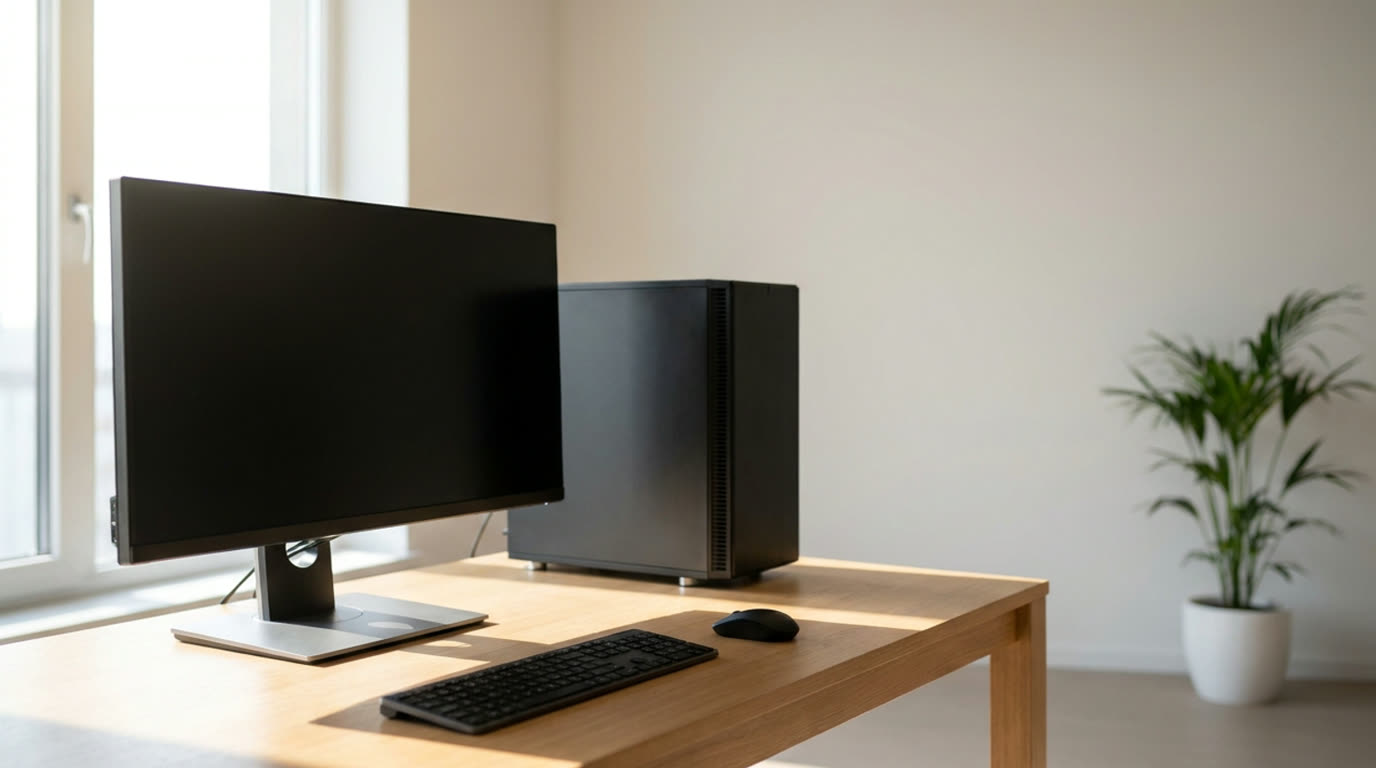
Spend this, not more: $550-900 covers what a business desktop needs in 2026: a current-generation six to eight core processor, 16 GB of memory as a real floor, and a 512 GB NVMe drive. Below $550 you are usually buying 8 GB of memory and a 256 GB drive, and both of those are the parts that will limit the machine long before the processor does.
Quick answer:
- Best overall: Acer Aspire TC desktop (~$700) – the specification that matters is the 16 GB of memory and 512 GB NVMe storage in a case that accepts a second drive, which is the combination that stays usable past the warranty
- Best value: HP 250 G9 desktop (~$600) – business-line naming, tool-free access and a 512 GB drive at a price where consumer machines cut to 256 GB
- Best for small form factor: Lenovo ThinkCentre Tiny (~$880) – a 1L desktop that mounts under a desk or behind a monitor, with replaceable memory and storage rather than soldered parts
- Best for repairability: Dell OptiPlex Micro (~$820) – tool-less panel access, replaceable PSU and widely published service documentation, which is what makes a fleet deployment workable
How much should you spend? At this budget the honest split is between memory and storage. A current processor with 8 GB of memory will feel slow in ordinary office work within a year, and a 256 GB drive runs out of room quickly once email and documents are counted. $550-900 is where you get 16 GB and 512 GB, plus a case you can open. Above $900 the same money is better spent on a monitor and an ergonomic chair than on faster silicon in a case you cannot service.
First: Answer These 3 Questions
- Is a desktop better than a laptop for office work? For a fixed desk, yes, and the reasons are not speed. A desktop is cheaper for the same performance, easier to service, and usually has more memory and storage expansion, and the peripherals you need are the same either way. The trade is that a desktop stays at the desk, and any work that requires you to move between locations needs a laptop regardless.
- How much memory does a business desktop need? 16 GB is the practical floor in 2026, and 32 GB matters if you run large spreadsheets, many browser tabs with heavy web apps, or any virtual machines. 8 GB is the number that makes these machines feel dated, because the operating system and a browser already consume a large share of it before you open anything.
- Is a small form factor desktop slower than a tower? Not inherently, since the processor is the same, but the cooling is less capable, so a sustained all-core load throttles sooner. For typical office work the difference is not noticeable, and for long sustained compute tasks a tower with better airflow is the better machine even at the same price.
5 Checks Before You Buy
| Check | Target | Plain English |
|---|---|---|
| Memory capacity and slots | 16 GB minimum, two free slots preferred | This is the specification that decides whether the machine feels current in three years. Two accessible slots also mean upgrading to 32 GB later is a $60 job rather than a whole new computer, and memory that is soldered to the board rules that out. |
| Storage type and size | 512 GB NVMe, with a second drive bay | NVMe rather than a mechanical or slower drive is the difference between an instant boot and a noticeable wait. The second bay matters more than the first drive size, because a failing drive should be replaceable without buying a new machine. |
| Power supply replaceability | Standard internal PSU, not proprietary | A proprietary or external power brick is cheaper to make and much more expensive to replace years later. This is the single most durable check on any business desktop, because the PSU outlives almost every other component. |
| Service access and documentation | Fleet deployments live or die on this | Published service documentation and tool-less access are what make a unit replaceable by in-house staff instead of a technician. It is also what makes memory and storage upgrades a ten-minute job rather than a warranty risk. |
| Display and peripheral support | DisplayPort and HDMI, plus multiple USB ports | Business desktops get driven by two or more monitors far more often than home PCs do, and older business lines can be limited to a single video output. Check the port count against your actual desk setup before buying. |
2026 Top Picks (By Specs, Owner Reports & Price, Not Paid Placement)
Acer Aspire TC – Best Overall
Price: ~$700
Why: The 16 GB of memory and 512 GB NVMe drive at this price is the combination that ages best, and the case takes a second drive and has accessible memory slots, so a 32 GB upgrade in year two is straightforward rather than impossible.
Honest take: The specification varies by region and retailer, and the same model name has shipped with different memory configurations, so the number on the listing you buy is the one that matters. Support quality is uneven across regions. Downside: The case is basic plastic with limited drive options beyond one extra bay, and the bundled peripherals are the bare minimum you would replace anyway.
HP 250 G9 – Best Value
Price: ~$600
Why: Business-line hardware that keeps 512 GB of storage and a tool-free service layout at a price where consumer desktops drop to 256 GB, which is the difference that bites when documents and mail accumulate over three years.
Honest take: The processor in the cheapest configuration is the one to check, because this line spans several generations and the model number alone does not tell you. Memory is often 8 GB on the base listing, which is below the 16 GB floor. Downside: Only two memory slots on some configurations, and the compact case limits expansion to one additional drive.
Lenovo ThinkCentre Tiny – Best Small Form Factor
Price: ~$880
Why: A 1-litre chassis that mounts under a desk or behind a monitor while still using a standard desktop processor, with replaceable memory and storage rather than soldered components, so it stays serviceable for a decade.
Honest take: You pay for the engineering rather than the silicon, and the Tiny case limits how many drives fit, so a second storage expansion means replacing the first rather than adding. It is also the hardest of these to move between desks. Downside: Only two memory slots, a single small-form-factor power supply, and cooling that throttles sooner than a tower under sustained all-core load.
Dell OptiPlex Micro – Best for Repairability
Price: ~$820
Why: Tool-less panel access, a replaceable internal power supply and widely published service documentation are the reason this is the default fleet machine in a lot of small businesses, and it means in-house staff can swap memory, storage and the PSU themselves.
Honest take: The performance difference between this and a cheaper machine of the same generation is close to nil, so you are paying for serviceability rather than speed. Micro form factor also means very little internal room for growth. Downside: The smallest drive and memory options in the group, and the proprietary front bezel and stand parts can be expensive to replace if the unit is dropped.
One-Line Decision Table
| Your situation | Pick this |
|---|---|
| General office work, longest useful life | Acer Aspire TC |
| Budget is the main constraint | HP 250 G9 |
| Limited desk space or behind-monitor mounting | Lenovo ThinkCentre Tiny |
| Several machines to maintain in house | Dell OptiPlex Micro |
Running Costs: What You Pay After You Buy
The purchase price is only part of the story. Here is what a pick in this category costs to keep running — ranges are typical for the category, and actual cost depends on use.
| Item | What it is | How often | Typical cost |
|---|---|---|---|
| Memory upgrade to 32 GB | Two matched 16 GB modules | Once, in year 2-3 | $50-80 |
| Second NVMe drive | 1 TB for documents and projects | Once, optional | $60-90 |
| Windows licence | If not included with the machine | Once | $140 or included in some models |
| UPS or surge protection | For a desk with expensive hardware | Once every 4-6 years | $60-120 |
| Display cables and adapters | For the monitor setup | Once | $10-25 |
Skip It If… (When Buying Nothing Is the Right Call)
This is the section most buying guides leave out. If any of these describe you, the honest advice is to keep your money.
- You need to work from more than one place – a desktop anchored to one desk is the wrong tool for a job that needs a laptop, and no amount of desktop value makes it portable.
- Your work is heavy sustained compute like video rendering or large local data processing – these are thermally limited office machines, and the right answer is a workstation or a different class of hardware entirely.
- You already have a desktop that only feels slow because of an upgrade – adding 16 GB of memory and a second drive is usually a $100 fix that beats any new machine at this budget.
- You are buying for gaming – a business desktop prioritises thermals, serviceability and memory over the graphics card, and the trade is the wrong one for frame rates.
Sources & Data
This guide uses official specifications, published results from named review bodies and long-term owner reports. Featured sources (verified 2026-09-26):
- TechPowerUp CPU Database – database of official processor specifications
- TechPowerUp GPU Database – database of official GPU specifications
- RTINGS Monitors – independent monitor measurements and recommendations
- UL Solutions – electrical safety certification for desktop and display equipment
- Intertek – independent product safety certification
Table sizes, wattage and prices change; verify current specs at the manufacturer before you buy.
FAQ
What is the best business desktop under $900 The Acer Aspire TC around $700 is the best overall balance, because 16 GB of memory and a 512 GB NVMe drive are the two specifications that decide whether the machine feels current in three years. The HP 250 G9 at $600 is the value option and the Dell OptiPlex Micro at $820 is the most serviceable.
How much RAM does an office desktop need 16 GB is the practical floor in 2026, and 32 GB matters for large spreadsheets, many heavy browser tabs or virtual machines. Operating systems and browsers consume a large share of 8 GB before you open any work files, which is why 8 GB machines feel dated fastest.
Is 512 GB of storage enough for a work computer For most office work, yes, and it is the 256 GB configurations that cause problems within a year. Email, documents and applications add up quickly, and the check worth making is whether the case accepts a second drive, because replaceable storage is what keeps the machine viable at five years.
Is a small form factor desktop slower Not for normal office work, since the processor is the same, but the cooling is more limited so a sustained all-core load throttles sooner. For document and browser work the difference is not noticeable, and for long compute tasks a tower is the better machine.
Should I buy a business desktop or a laptop A desktop if the work stays at one desk, since it costs less for the same performance and is far easier to service. A laptop if you need to work in more than one place, and the price difference buys a screen, battery and keyboard you would have to buy separately with a desktop.
Real Pitfalls to Avoid
- Buying on processor generation while ignoring memory – 8 GB of RAM is the fastest way to make a new machine feel cheap, and it costs more to fix later than it would have to buy right.
- Assuming the drive is replaceable – some business desktops ship with soldered storage or a proprietary power supply, and either one turns a five-year machine into a three-year machine.
- Overspending on the tower and underspending the desk – at this budget the money is often better in a monitor, an ergonomic chair and a UPS, none of which are optional for eight hours a day.
- Buying on the model name without checking the configuration – several business lines ship the same model with different memory and storage, so the listing you buy is the specification that counts.
Going deeper: How we evaluate these is documented on our how we rank products page. The rest of the desk matters as much as the computer, so computer desks in 2026 covers the furniture and monitors in 2026 covers the display, which is where most of the daily hours actually go.
Update note: refreshed quarterly. Prices checked Sep 2026 – verify at checkout. Rankings based on published specifications, published review-body scores and long-term owner reports, not paid placement.