
Disclosure: Buytoplab is reader-supported. If you buy through links on this page we may earn a small commission at no extra cost to you. We never accept payment for a ranking or a review, and we publish the downsides as plainly as the upsides. How we rank products.
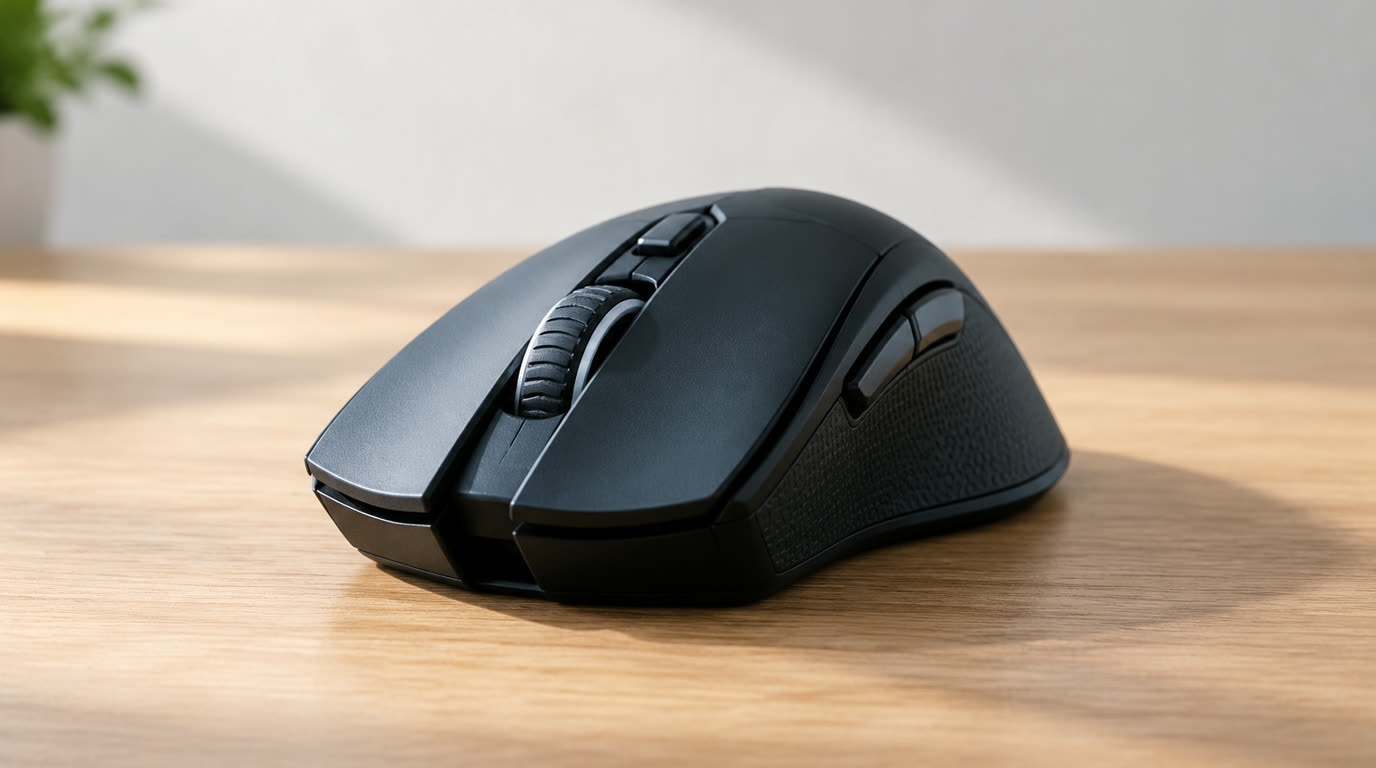
Spend this, not more: $60-90 buys a 26K-33K DPI sensor, a 60-70g lightweight shell, optical switches and either RGB or wireless. Below $50 you get a sensor that spins out on fast flicks. Above $100 you pay for the pro tier label and extra buttons you may never map.
Quick answer:
- Best overall: Logitech G Pro X Superlight 2 (~$95) – 60g, 32K sensor, 1.2ms wireless, the esports gold standard
- Best budget: Glorious Model O- (~$50) – 58g honeycomb, great sensor, wired simplicity
- Best wireless value: Razer DeathAdder V3 HyperSpeed (~$80) – 8K wireless, ergonomic, 25K sensor
- Best for large hands: SteelSeries Prime Mini (~$60) – 53g, solid build, minimal design
How much should you spend? $60-90 is the honest middle: a genuine competitive sensor, lightweight shell and optical switches. Under $50 you lose the precision sensor. Above $100 is the pro team label and 8K polling you will not notice.
First: Answer These 3 Questions
- Do I need wireless? If you flick fast in FPS games, a sub-2ms wireless from Logitech/Razer feels identical to wired. If you play casually, wired saves $30 and guarantees zero battery worry.
- What grip am I? Palm grip suits ergonomic (DeathAdder), claw/fingertip suits symmetrical slim shells (Model O-). Your grip decides comfort more than the sensor.
- How many buttons do I actually map? Most FPS players use 2-3. Pay for buttons you will actually reach, not the 12-key MMO pad.
5 Checks Before You Buy
| Check | Target | Plain English |
|---|---|---|
| Sensor DPI | 26K-33K | Above 16K you stop noticing DPI; what matters is tracking quality at high speed (no spin-out). |
| Weight | Under 75g | Heavier mice feel lazy on flicks. 58-68g is the comfort zone for fast aim. |
| Polling rate | 1000Hz base, 8K capable | 1000Hz is enough for most. 8K polling is a real but marginal upgrade on high-refresh displays. |
| Switches | Optical | Optical switches avoid double-clicking and last longer than mechanical in heavy use. |
| Grip compatibility | Matches your hand size | A palm-gripper on a mini mouse cramps within an hour. Size matters more than specs. |
2026 Top Picks (By Specs, Owner Reports & Price, Not Paid Placement)
Logitech G Pro X Superlight 2 – Best Overall
Price: ~$95
Why: A 60g shell with a 32K sensor, 1.2ms wireless, and optical switches – the flashlight of why it dominates esports. The benchmark.
Honest take: The pick most competitive players end up on. Downside: No RGB, no buttons to spare, and near the $100 cap.
Glorious Model O- – Best Budget
Price: ~$50
Why: A 58g honeycomb build with a genuine 26K sensor at a budget price. Wired simplicity that keeps competitive latency.
Honest take: The honest entry for players who think $95 is too much. Downside: Honeycomb holes collect dust and are polarizing.
Razer DeathAdder V3 HyperSpeed – Best Wireless Value
Price: ~$80
Why: Ergonomic comfort with 25K tracking and 8K wireless support inside 80 something grams. A step above the wired basics.
Honest take: The wireless upgrade that keeps the classic shape. Downside: Ergo shape only suits right-handed palm/natural grips.
SteelSeries Prime Mini – Best for Large Hands
Price: ~$60
Why: A 53g solid shell with a firmly built body that suits larger palms without turning into a brick. Minimal, durable.
Honest take: The no-gimmicks option for established hand sizes. Downside: No wireless option and a basic sensor compared to the others.
One-Line Decision Table
| Your situation | Pick this |
|---|---|
| Competitive FPS, want the best under $100 | Logitech G Pro X Superlight 2 |
| Casual to semi-competitive, budget first | Glorious Model O- |
| Wireless freedom with ergonomic comfort | Razer DeathAdder V3 HyperSpeed |
| Large hands, palm grip, no RGB needed | SteelSeries Prime Mini |
Running Costs: What You Pay After You Buy
The purchase price is only part of the story. Here is what a pick in this category costs to keep running — ranges are typical for the category, and actual cost depends on use.
| Item | What it is | How often | Typical cost |
|---|---|---|---|
| Mouse skates | Teflon feet wear down with heavy use | Every 4-6 months heavy use | $8-12 |
| Wireless battery | Internal battery degrades | Every 2-3 years | Built-in |
| Mousepad | Affects tracking consistency | Every 1-2 years | $15-40 |
Skip It If… (When Buying Nothing Is the Right Call)
This is the section most buying guides leave out. If any of these describe you, the honest advice is to keep your money.
- You play only single-player and strategy – a $20 office mouse with extra buttons is plenty.
- You refuse to adjust DPI in software – half the value is in the driver settings.
- You hate wires but skip charging – wireless needs a routine; wired guarantees uptime.
Sources & Data
This guide uses official specifications, published results from named review bodies and long-term owner reports. Featured sources (verified 2026-09-23):
- RTINGS TV Reviews – independent laboratory measurements (peak brightness, input lag, HDR)
- RTINGS Headphones – independent audio measurements (frequency response, noise isolation)
- RTINGS Mice – independent gaming-mouse measurements (latency, weight, sensor)
- RTINGS Monitors – independent monitor measurements and recommendations
- RTINGS Home – independent lab tests across home electronics
- TechPowerUp GPU Specs – database of official GPU specifications
- SoundGuys – audio hardware testing and measurements
- What Hi-Fi Best Buys – independent audio/tv testing and awards
Table sizes, wattage and prices change; verify current specs at the manufacturer before you buy.
FAQ
Is a $95 gaming mouse worth it over a $50 one For competitive FPS yes: better tracking, lighter weight and optical switches. For casual play, no – a $50 model is already a huge step over office mice.
Does wireless add input lag Modern 1kHz-8kHz wireless from Logitech or Razer is indistinguishable from wired for real players. Cheaper Chinese wireless can lag, though.
What DPI do pros use Most pros sit between 400-1600 DPI with a low in-game sensitivity for precise micro-adjustments. High DPI on paper does not equal better aim.
Are honeycomb mice fragile Reputable brands are fine and sturdier than they look. The real concern is dust in the holes, not breakage.
Real Pitfalls to Avoid
- Chasing DPI numbers – 26K vs 32K changes nothing; tracking quality at speed does.
- Matching the wrong size – a cramped mouse injures your hand before it improves your aim.
- Skipping software setup – polling and sensitivity left at default waste the hardware.
Going deeper: See our how we rank products for the method, or pair your mouse with our best gaming mice 2026 guide for the full desk setup.
Update note: refreshed quarterly. Prices checked Sep 2026 – verify at checkout. Rankings based on published specifications, published review-body scores and long-term owner reports, not paid placement.