
Disclosure: Buytoplab is reader-supported. If you buy through links on this page we may earn a small commission at no extra cost to you. We never accept payment for a ranking or a review, and we publish the downsides as plainly as the upsides. How we rank products.
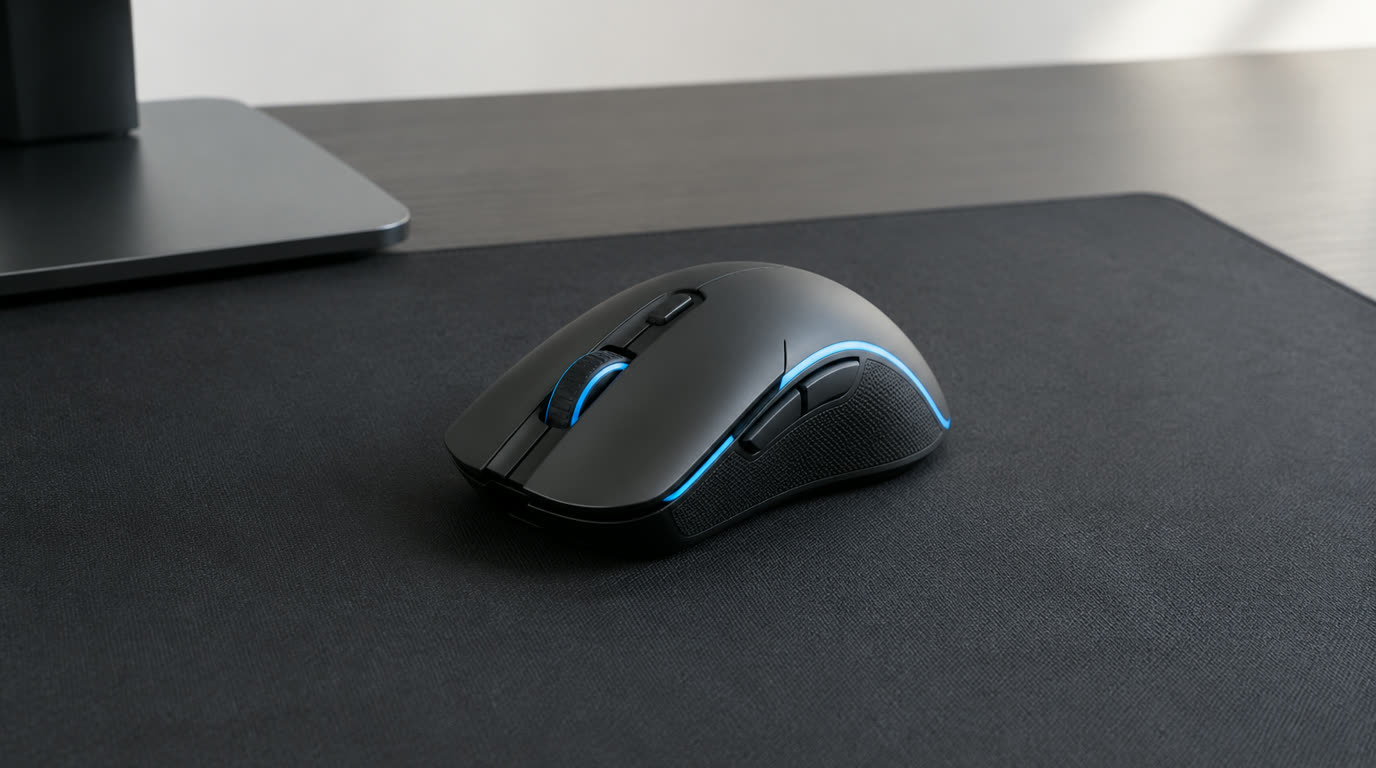
Spend this, not more: A $45-75 gaming mouse is the sweet spot. Past ~$80 you are paying for 5g lighter weight and RGB, and under $30 you usually get a dated sensor with mushy switches.
Quick answer:
- Best overall: Logitech G Pro X Superlight (~$120) – the esports default at 63g; most pros just use this
- Best value: Razer DeathAdder V3 (~$70) – ergonomic shape, 30K sensor, half the flagship price
- Best budget: Razer Viper Mini (~$35) – 61g lightweight that still feels genuinely competitive
- Best MMO/MOBA: Razer Naga V2 (~$90) – 12 side buttons for macros and ability spam
How much should you spend? Between $50-80 you get a sensor good enough that it is never the thing holding you back. Above $100 is weight and looks; below $35 is where you start guessing at driver quirks.
First: Answer These 3 Questions
- What is your dominant grip? Palm grip wants a full-body ergo shape like the DeathAdder. Claw and fingertip grips stay more comfortable with a compact symmetrical mouse, and most FPS players these days are claw.
- How big is your hand? Mediun to large hands usually want a mouse over 120mm long. Small hands reach the side buttons more easily on a compact body like the Viper Mini, which is why that one quietly wins over so many gamers under 5’9″.
- Wired or wireless? If your desk is cramped or you like to swipe low-sensitivity flicks, wireless removes the cable drag. On a strict budget, a modern wired sensor is genuinely indistinguishable in aim.
5 Checks Before You Buy
| Check | Target | Plain English |
|---|---|---|
| Sensor | Modern 26K-30K class | Anything from the last 3-4 generations tracks faster than you can move your hand. |
| Weight | Under 75g | Lightweight mice let you stop your flick crisply instead of slingshotting past the target. |
| Switch feel | Optical or low-latency mechanical | This is what you feel on every click. It is the difference nobody puts in the spec sheet. |
| Software | Company app or on-board memory | On-board memory means your DPI and button binds survive a laptop switch or a friend’s PC. |
| Shape match | Grip + hand size | The perfect sensor in the wrong shape is a DNF. Shape is the #1 return reason by far. |
2026 Top Picks (By Specs, Owner Reports & Price, Not Paid Placement)
Logitech G Pro X Superlight – Best Overall
Price: ~$120
Why: 63 grams, near-flawless tracking and the shape that most of the pro scene practices on. If you want one answer and money is no object, this is it.
Honest take: The safe, proven pick. Downside: Pricy, no wired option savings, and the click feel is a personal taste thing.
Razer DeathAdder V3 – Best Value
Price: ~$70
Why: The most natural ergonomic shape for palm grip, a 30K sensor and a 59g build that undercuts the flagship. It is the best price-to-performance in gaming mice right now.
Honest take: The aim-first pick. Downside: No RGB, and left-handed users are left out.
Razer Viper Mini – Best Budget
Price: ~$35
Why: A 61g lightweight with optical switches and a genuinely capable sensor for less than half the price of a flagship. For claw-grip gamers on a budget it is absurdly good value.
Honest take: The cheap blood. Downside: Small for big hands because it is literally at Mini.
Razer Naga V2 – Best for MMO/MOBA
Price: ~$90
Why: 12 programmable buttons on the thumb side and a HyperScroll wheel. If you are binding abilities and consumables, this is the layout you want.
Honest take: The macro machine. Downside: Heavier than pure FPS mice, and 12 buttons take a week to learn.
One-Line Decision Table
| Your situation | Pick this |
|---|---|
| FPS/competitive, money not an issue | Logitech G Pro X Superlight |
| Palm grip looking for aim + value | Razer DeathAdder V3 |
| Tight budget, claw grip | Razer Viper Mini |
| MMO abilities and macros | Razer Naga V2 |
Running Costs: What You Pay After You Buy
The purchase price is only part of the story. Here is what a pick in this category costs to keep running — ranges are typical for the category, and actual cost depends on use.
| Item | What it is | How often | Typical cost |
|---|---|---|---|
| Mouse feet (skates) | When worn smooth | Every 6-12 months | $8-15 |
| Mousepad | When surface wears | Every 12-18 months | $10-30 |
| Battery (wireless) | On-board rechargeable | Every 2-4 years | $20-40 |
| Switch replacement | If double-clicks start | Every 2-3 years | $10-25 |
Skip It If… (When Buying Nothing Is the Right Call)
This is the section most buying guides leave out. If any of these describe you, the honest advice is to keep your money.
- You play mostly single-player strategy or adventure – a $20 office mouse with a decent sensor is honestly fine.
- You already own a flagship from the last 2-3 years – the upgrade to a 2026 model is cosmetics, not aim.
- You hate tinkering – some mice need software tweaks out of the box to feel right.
Sources & Data
This guide uses official specifications, published results from named review bodies and long-term owner reports. Featured sources (verified 2026-09-23):
- RTINGS TV Reviews – independent laboratory measurements (peak brightness, input lag, HDR)
- RTINGS Headphones – independent audio measurements (frequency response, noise isolation)
- RTINGS Mice – independent gaming-mouse measurements (latency, weight, sensor)
- RTINGS Monitors – independent monitor measurements and recommendations
- RTINGS Home – independent lab tests across home electronics
- TechPowerUp GPU Specs – database of official GPU specifications
- SoundGuys – audio hardware testing and measurements
- What Hi-Fi Best Buys – independent audio/tv testing and awards
Table sizes, wattage and prices change; verify current specs at the manufacturer before you buy.
FAQ
Does a heavier mouse reduce your aim? Heavier mice slingshot when you stop. Under 75g tracks crisper, which is why esports mice keep shedding weight.
Do I need 8K polling? Only if you are running 360Hz+ displays and genuinely notice the difference. For everyone else it drains battery for zero visible gain.
Is wireless gaming reliable? Modern 2.4GHz wireless ads ~1ms or less, which competitive players cannot measurably feel. Latency is no longer a reason to stay wired.
Real Pitfalls to Avoid
- Buying on DPI numbers – every modern sensor is faster than you can aim.
- Ignoring grip type – a palm mouse for a fingertip gripper is a painful week of wrist ache.
- Skipping the mousepad – a worn cloth pad turns a great sensor into a stuttery mess.
- Paying flagship money for RGB – lights weigh and never help you click faster.
Going deeper: Want the keyboard to match? See our best mechanical keyboards and how we rank products.
Update note: refreshed quarterly. Prices checked Sep 2026 – verify at checkout. Rankings based on published specifications, published review-body scores and long-term owner reports, not paid placement.