
Disclosure: Buytoplab is reader-supported. If you buy through links on this page we may earn a small commission at no extra cost to you. We never accept payment for a ranking or a review, and we publish the downsides as plainly as the upsides. How we rank products.
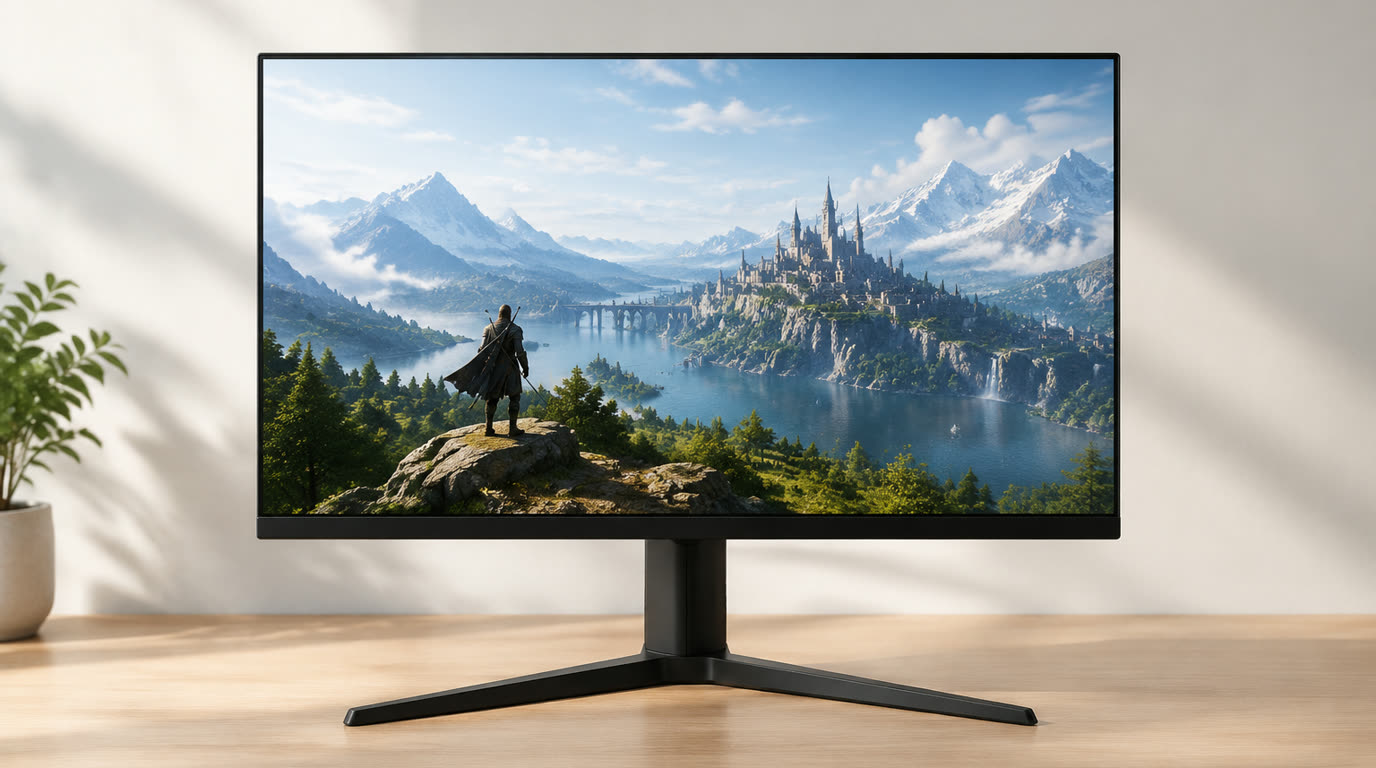
Spend this, not more: $300-400 is the honest gaming sweet spot: 27 inch 1440p at 144-165Hz with IPS panel, 1ms response, FreeSync/G-Sync compatible, VESA mount. Below $250 you drop to 1080p or 60-75Hz. Above $450 you pay for 240Hz or ultrawide that most GPUs cannot drive anyway.
Quick answer:
- Best overall: LG 27GP850-B (~$380) – 27 inch 1440p IPS, 165Hz, 1ms, G-Sync compatible, 98% DCI-P3, USB hub
- Best budget: AOC 24G2 (~$180) – 24 inch 1080p IPS, 144Hz, 1ms, FreeSync, slim bezels, height adjust
- Best high refresh: Dell S2522HG (~$250) – 25 inch 1080p IPS, 240Hz, 1ms, G-Sync compatible, fast pixel response
- Best color accuracy: ASUS ProArt PA278QV (~$320) – 27 inch 1440p IPS, 75Hz, 100% sRGB, factory calibrated, content creators
How much should you spend? $300-400 gets 27 inch 1440p IPS at 144-165Hz – the balanced gaming experience for most GPUs (RTX 3060/4060, RX 6700). Under $250 you compromise resolution (1080p) or refresh (60-75Hz). Above $450 you chase 240Hz or 4K that needs a $700+ GPU to drive.
First: Answer These 3 Questions
- What GPU do you have? RTX 3060 / RX 6600: aim for 1080p 144Hz. RTX 3070 / RX 6700: go 1440p 144Hz. RTX 4070+ / RX 7800+: consider 1440p 165-240Hz. Mismatched monitor and GPU wastes money.
- What games do you play? Competitive FPS (Valorant, CS2): prioritize 240Hz 1080p. Story AAA (Cyberpunk, Elden Ring): prioritize 1440p IPS color. Mixed: 1440p 144Hz balances both.
- Do you also do photo or video work? If yes, IPS panel with 100% sRGB is non-negotiable. VA panels have better contrast but shift color at angles. TN panels are cheap and fast but look washed out.
- Desk depth and viewing distance? 27 inch needs 24-30 inch viewing distance (arm length). 24 inch works on shallow desks. 32 inch forces you back or causes neck strain.
5 Checks Before You Buy
| Check | Target | Plain English |
|---|---|---|
| Resolution | 1440p at 27 inch | 1080p at 27 inch looks pixelated up close. 1440p is the sweet spot. 4K at 27 inch needs GPU horsepower most do not have. |
| Refresh rate | 144-165Hz | 60Hz feels laggy in fast games. 144Hz is the noticeable jump. 240Hz helps competitive players but needs high-end GPU. |
| Panel type | IPS for color, VA for contrast | IPS = best colors and viewing angles. VA = deeper blacks, slower response. TN = cheap and fast, poor colors. |
| Response time | 1ms G2G | Marketing “1ms” is often MPRT not true G2G. Real 1ms IPS reduces ghosting. 4ms+ shows smearing in fast motion. |
| Adaptive sync | FreeSync or G-Sync compatible | Eliminates screen tearing when FPS drops. FreeSync works with AMD and most Nvidia cards now. G-Sync certified costs extra. |
2026 Top Picks (By Specs, Owner Reports & Price, Not Paid Placement)
LG 27GP850-B – Best Overall
Price: ~$380
Why: 27 inch 1440p Nano IPS, 165Hz, 1ms, G-Sync compatible, 98% DCI-P3 color, USB hub, height/pivot/tilt. The balanced all-rounder.
Honest take: The monitor that handles FPS, AAA and photo editing without compromise. Downside: IPS glow visible in dark scenes; contrast lower than VA panels.
AOC 24G2 – Best Budget
Price: ~$180
Why: 24 inch 1080p IPS, 144Hz, 1ms, FreeSync, slim bezels, height adjust, VESA. The honest entry gaming monitor.
Honest take: The cheapest path to 144Hz without feeling cheap. Downside: 1080p at 24 inch – fine for esports, soft for desktop text work.
Dell S2522HG – Best High Refresh
Price: ~$250
Why: 25 inch 1080p Fast IPS, 240Hz, 1ms, G-Sync compatible, fast pixel response. Competitive FPS specialist.
Honest take: The 240Hz pick that your GPU can actually drive (1080p). Downside: 1080p limits desktop clarity; color accuracy average for IPS.
ASUS ProArt PA278QV – Best Color
Price: ~$320
Why: 27 inch 1440p IPS, 75Hz, 100% sRGB, factory calibrated, pivot, USB-C. Content creators who game casually.
Honest take: The color-accurate monitor that games adequately. Downside: 75Hz refresh – fine for story games, sluggish for competitive FPS.
One-Line Decision Table
| Your situation | Pick this |
|---|---|
| Balanced gaming, RTX 3070 or RX 6700 GPU | LG 27GP850-B |
| First gaming monitor, tight budget | AOC 24G2 |
| Competitive FPS (Valorant, CS2) | Dell S2522HG |
| Photo editing + casual AAA gaming | ASUS ProArt PA278QV |
Running Costs: What You Pay After You Buy
The purchase price is only part of the story. Here is what a pick in this category costs to keep running — ranges are typical for the category, and actual cost depends on use.
| Item | What it is | How often | Typical cost |
|---|---|---|---|
| DisplayPort 1.4 cable | For 144Hz+ at 1440p | One-time if not included | $10-15 |
| Monitor arm (VESA mount) | Desk clamp, adjustable | Optional upgrade | $30-80 |
| GPU upgrade | To drive 1440p 144Hz | Every 3-4 years | $400-700 |
| Calibration tool | For color work | One-time if needed | $80-150 |
Skip It If… (When Buying Nothing Is the Right Call)
This is the section most buying guides leave out. If any of these describe you, the honest advice is to keep your money.
- You have a 60Hz GPU (GTX 1650, RX 5500) – it cannot push 144Hz at 1440p; save the money or upgrade GPU first.
- You sit 4+ feet from the desk – 27 inch will look small; consider 32 inch or curved ultrawide instead.
- You only play slow strategy or turn-based games – 60Hz is fine for Civ 6; save $150 and buy 1440p 75Hz IPS instead.
- You already own a good 1080p 144Hz – the jump to 1440p 144Hz is incremental; wait for GPU upgrade first.
Sources & Data
This guide uses official specifications, published results from named review bodies and long-term owner reports. Featured sources (verified 2026-09-23):
- RTINGS TV Reviews – independent laboratory measurements (peak brightness, input lag, HDR)
- RTINGS Headphones – independent audio measurements (frequency response, noise isolation)
- RTINGS Mice – independent gaming-mouse measurements (latency, weight, sensor)
- RTINGS Monitors – independent monitor measurements and recommendations
- RTINGS Home – independent lab tests across home electronics
- TechPowerUp GPU Specs – database of official GPU specifications
- SoundGuys – audio hardware testing and measurements
- What Hi-Fi Best Buys – independent audio/tv testing and awards
Table sizes, wattage and prices change; verify current specs at the manufacturer before you buy.
FAQ
Is 1440p worth it over 1080p At 27 inches, yes – 1080p looks pixelated. At 24 inches, 1080p is fine for gaming. But 1440p also sharpens desktop text and web browsing.
Do I need 240Hz Only if you play competitive FPS at high rank and have the GPU to push 240+ FPS. For most players 144-165Hz is the bigger jump from 60Hz.
What is the difference between FreeSync and G-Sync FreeSync is AMD tech, open standard, cheaper. G-Sync is Nvidia proprietary, costs $50-100 extra. Most FreeSync monitors now work with Nvidia as “G-Sync compatible”.
IPS vs VA vs TN panel IPS = best color and viewing angles, most expensive. VA = deepest blacks and contrast, slower response. TN = fastest response and cheapest, washed-out colors.
Real Pitfalls to Avoid
- Buying 1440p 144Hz with a 60Hz-tier GPU – RTX 3050 or RX 6500 cannot drive it. Match monitor to GPU tier.
- Using HDMI 2.0 cable for 1440p 165Hz – HDMI 2.0 caps at 144Hz. Use DisplayPort 1.4 for full refresh.
- Sitting too close to a 32-inch monitor – causes neck strain. 27 inch at arm length is the ergonomic sweet spot.
- Ignoring response time spec – “1ms MPRT” is marketing blur reduction, not true pixel response. Check real G2G reviews.
Going deeper: See our how we rank products for the method, or pair this with our best gaming mouse 2026 guide for the full setup.
Update note: refreshed quarterly. Prices checked Sep 2026 – verify at checkout. Rankings based on published specifications, published review-body scores and long-term owner reports, not paid placement.
>