
Disclosure: Buytoplab is reader-supported. If you buy through links on this page we may earn a small commission at no extra cost to you. We never accept payment for a ranking or a review, and we publish the downsides as plainly as the upsides. How we rank products.
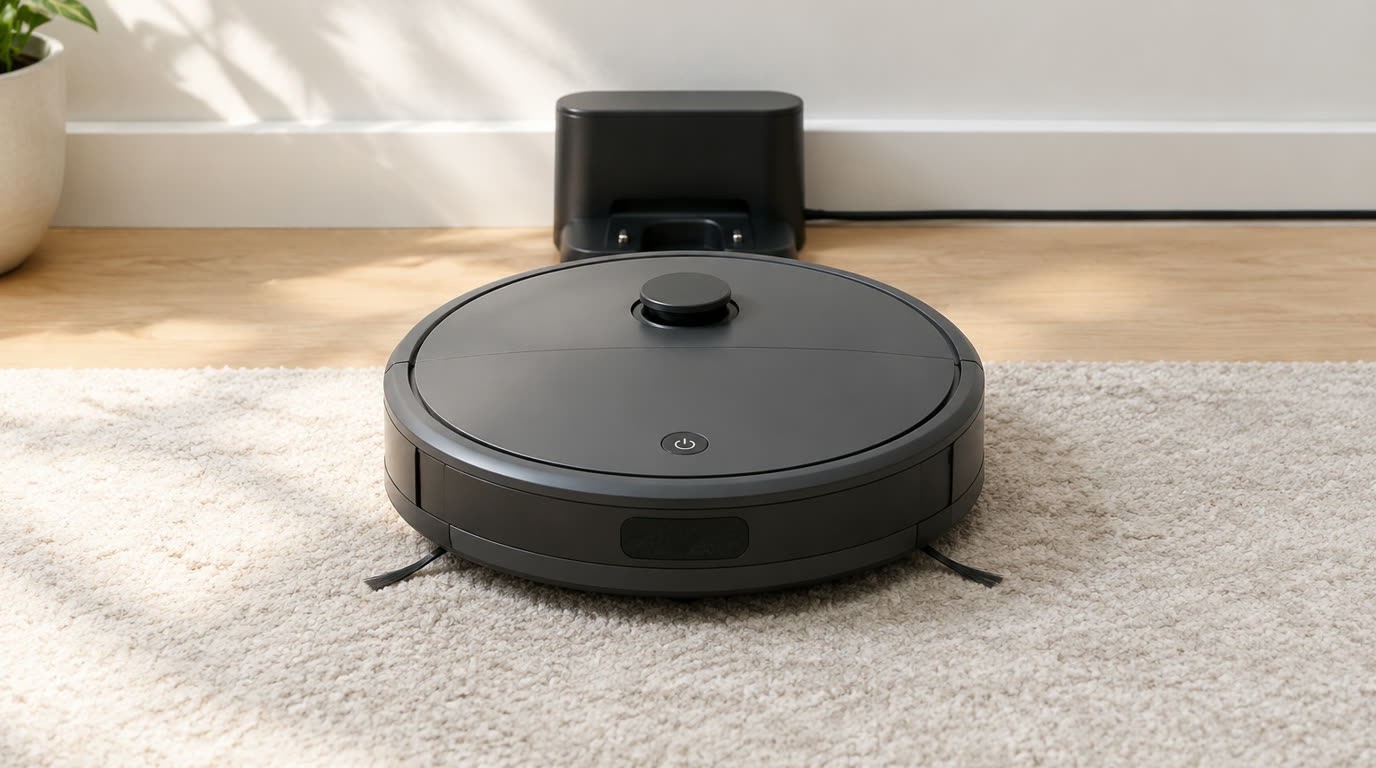
Spend this, not more: $200-280 buys lidar navigation (not random bounce), 3000+ Pa suction, a modest 200-300ml water tank for light mopping, and app scheduling. Below $180 you get random-bounce navigation that misses sections. Above $300 you pay for self-emptying and mapping features you can schedule anyway.
Quick answer:
- Best overall: Dreame D10 Plus (~$280) – lidar mapping, 4000Pa, auto-empty dock, full daily cleaning with zero bag changes
- Best value: Roborock Q5 (~$220) – lidar, 2700Pa, up to 180 min runtime, reliable app and accessories
- Best budget: eufy RoboVac X8 (~$180) – 2600Pa, dual gyro, solid mapping for the price
- Best for pet hair: iRobot Roomba i3+ (~$290) – self-emptying, pet-friendly intake, proven pickup
How much should you spend? $200-280 is the sweet spot for a real daily helper: lidar mapping, 3000+ Pa suction and light mopping. Under $180 navigation gets random. Over $300 features dilute the price.
First: Answer These 3 Questions
- Do I need mopping or just vacuuming? Hard floors + light spills = a combo with a small water tank. Full carpet homes should put the whole budget into suction and skip mopping.
- Will it navigate by itself? Lidar (laser) mapping is the difference between a robot that remembers your floor plan and one that bounces around. Insist on lidar at this price.
- Can I schedule it daily? App scheduling is standard. Budget for the app learning slope because most robots map best after 2-3 runs.
5 Checks Before You Buy
| Check | Target | Plain English |
|---|---|---|
| Navigation | LiDAR, not random bounce | Lidar builds a floor plan and cleans in lines. Random bounce misses corners and re-covers spots. |
| Suction | 2500 Pa+ | Above 2500 Pa handles pet hair and carpet well. Below 2000 Pa struggles on mediums. |
| Runtime | 120 min+ | Longer runtime means fewer mid-clean charging pauses for bigger homes. |
| Dustbin type | Self-empty or 400ml+ | Self-emptying means weeks without touching the bin; bigger bins reduce your cleaning chore. |
| App + scheduling | Yes | Scheduling is the whole point of a robot. Verify app features before buying. |
2026 Top Picks (By Specs, Owner Reports & Price, Not Paid Placement)
Dreame D10 Plus – Best Overall
Price: ~$280
Why: Lidar mapping, 4000Pa suction and a self-emptying dock make it a true set-and-forget daily helper at the top of the budget. The benchmark.
Honest take: The pick for homes that want to forget the vacuum exists. Downside: Self-empty dock makes it the tallest and priciest here.
Roborock Q5 – Best Value
Price: ~$220
Why: 2700Pa with lidar mapping and a 180-minute runtime in a proven body with a clean app. The balanced do-it-all.
Honest take: The honest value pick that nails navigation and price. Downside: No self-emptying dock and the mopping is a light wipe.
eufy RoboVac X8 – Best Budget
Price: ~$180
Why: 2600Pa with gyro-based mapping that is 90% of lidar at a budget price. A genuine step up from bounce navigation.
Honest take: The entry point that finally behaves like a real robot. Downside: Mapping is good but slower learning than true lidar.
iRobot Roomba i3+ – Best for Pet Hair
Price: ~$290
Why: A self-emptying base with proven pet-hair pickup and simple, dependable navigation that just works for busy dog owners.
Honest take: The dependable pick when fur is the biggest job. Downside: Older tech: no mopping, no lidar floor plan, premium price.
One-Line Decision Table
| Your situation | Pick this |
|---|---|
| Set-and-forget daily vacuuming | Dreame D10 Plus |
| Best balance of navigation and price | Roborock Q5 |
| First robot, tightest budget that still maps | eufy RoboVac X8 |
| Pet hair everywhere and no time to clean a bin | iRobot Roomba i3+ |
Running Costs: What You Pay After You Buy
The purchase price is only part of the story. Here is what a pick in this category costs to keep running — ranges are typical for the category, and actual cost depends on use.
| Item | What it is | How often | Typical cost |
|---|---|---|---|
| Filters + side brushes | Wear with daily use | Every 3-6 months | $10-20 |
| Self-empty bags | For auto-empty docks | Every 1-2 months | $5-10 |
| Battery replacement | Degrades after ~2 years daily use | Every 2-3 years | $30-40 |
Skip It If… (When Buying Nothing Is the Right Call)
This is the section most buying guides leave out. If any of these describe you, the honest advice is to keep your money.
- Your home is 90% carpet – spend the money on one strong upright and skip mopping features.
- You have lots of low furniture and cords on the floor – a robot will hang up on both until you robot-proof.
- You expect a $200 robot to replace a deep clean – it maintains; it does not substitute a proper vacuum now and then.
Sources & Data
This guide uses official specifications, published results from named review bodies and long-term owner reports. Featured sources (verified 2026-09-23):
- ENERGY STAR Air Cleaners – official CADR and energy data
- EPA Indoor Air Quality – EPA guidance on air cleaners, filters and allergens
- EPA Air Cleaners & Filters – how filtration and coverage relate to room size
- ENERGY STAR Refrigerators – official energy-efficiency ratings for home appliances
- AHAM – appliance standards and certification
Table sizes, wattage and prices change; verify current specs at the manufacturer before you buy.
FAQ
Is a $300 robot vacuum better than a $150 one Yes for most homes: $300 buys lidar mapping, stronger suction and a bigger bin or self-empty. $150 is still bounce navigation that misses sections.
Does the mopping actually work on these At this price mopping is a light wipe with a small water tank – fine for kitchen floors and light spills, not a substitute for mopping by hand.
How long do robot vacuums last With battery replacement every 2-3 years, a good unit lasts 5-7 years. The dock and app usually outlive the battery.
Will it work without WiFi It vacuums on button press, but scheduling and mapping need WiFi and the app. Offline becomes a manual robot.
Real Pitfalls to Avoid
- Buying random-bounce navigation – it misses sections and over-covers the same spot.
- Skipping robot-proofing – cords and low furniture cause weekly callbacks under the bed.
- Ignoring the self-empty dock – a full small bin means it half-vacuums then stops.
Going deeper: See our how we rank products for the method, or compare with our best robot vacuum for pet hair guide if fur is your main challenge.
Update note: refreshed quarterly. Prices checked Sep 2026 – verify at checkout. Rankings based on published specifications, published review-body scores and long-term owner reports, not paid placement.
>
>