
Disclosure: Buytoplab is reader-supported. If you buy through links on this page we may earn a small commission at no extra cost to you. We never accept payment for a ranking or a review, and we publish the downsides as plainly as the upsides. How we rank products.
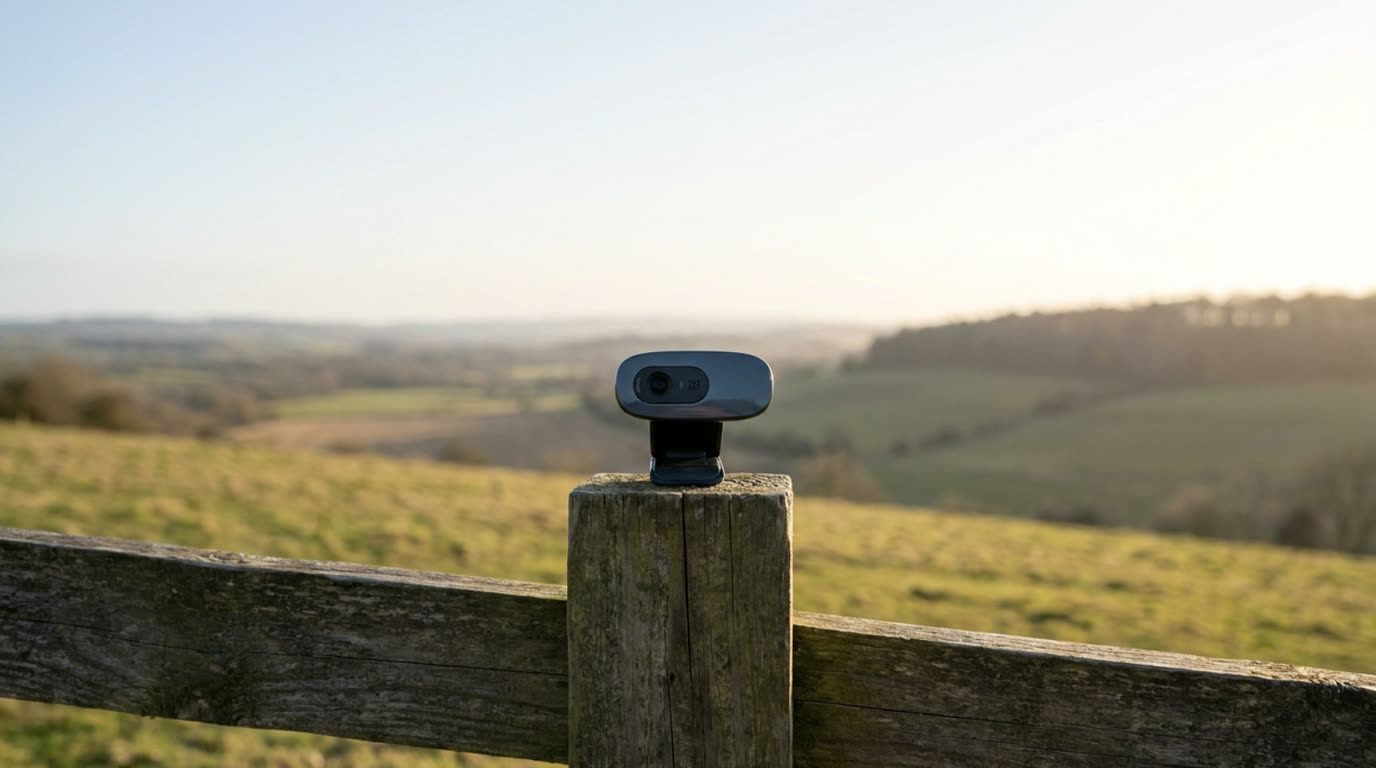
Spend this, not more: $50-100 buys a 1080p/4K sensor with good low-light processing and a usable built-in mic. Under $40 you get webcam-grade “HD ready” with smeared faces at dusk. Above $150 you pay for AI framing and premium glass only streamers need.
Quick answer:
- Best overall: Logitech Brio 4K (~$130) – 4K at 30fps, HDR, background blur, the flagship that works everywhere
- Best budget: Logitech C920S Pro (~$70) – 1080p30, dependable AutoFocus, privacy shutter, the classic that still owns meetings
- Best for laptops: Razer Kiyo X (~$60) – 1080p30 with solid low-light, compact mount for slim lids
- Best streaming: Elgato Facecam (~$150) – 1080p60, fixed-focus glues glass, studio-grade handling
How much should you spend? $50-100 captures a pro Zoom image: 1080p to 4K, decent low-light, usable mic. Under $40 sensors smear faces in evening light. Over $150 you pay for 60fps and AI software.
First: Answer These 3 Questions
- Do I need 4K for Zoom? No. Zoom caps at 1080p, so 4K is future-proofing for recording or YouTube. The upgrade that matters most is sensor and lighting, not resolution.
- Is the built-in microphone enough? Decent built-in mics are acceptable for meetings, but a $20 standalone mic (like a USB condenser) transforms perceived quality if you talk daily.
- Why does my current webcam look bad? Nine times out of ten it is light: a window behind you or a dark room. Add a ring light or lamp before buying yet another camera.
5 Checks Before You Buy
| Check | Target | Plain English |
|---|---|---|
| Resolution | 1080p min, 4K bonus | 1080p is the baseline for meetings; 4K pays off only when recording. |
| Low-light performance | Decent ISO handling | Great sensors flatter at dusk; weak ones smear. Check reviews for dim-room stills. |
| Autofocus | Reliable in motion | Leggy AF blurs when you lean in; a fixed-focus or good AF reads your movements. |
| Field of view | 65-90 deg | FOV wider than 90 looks like a funhouse; narrower isolates to a headshot. |
| Mount | Universal tripod + screen | A flimsy hinge drops on laptops with thin bevels; tripod threads rescue tight desks. |
2026 Top Picks (By Specs, Owner Reports & Price, Not Paid Placement)
Logitech Brio 4K – Best Overall
Price: ~$130
Why: 4K at 30fps with HDR, three FOV settings and background blur that works across apps. The webcam professionals keep in their drawer.
Honest take: The pick most hybrid workers who finally stop buying annual webcams end up with. Downside: 4K software extras cost extra with the Logi Tune app.
Logitech C920S Pro – Best Budget
Price: ~$70
Why: 1080p30 with dependable autoexposure and a privacy shutter at a value price. The reliable workhorse that meetings never outgrow.
Honest take: The honest baseline pick that has won offices for a decade. Downside: Autofocus hunts in cluttered or dim scenes.
Razer Kiyo X – Best for Laptops
Price: ~$60
Why: 1080p30 in a compact mount that fits slim lids, with solid low-light for the home office. The traveler-friendly choice.
Honest take: The mobile-webcam take for people who live on laptops and coffee shops. Downside: Mic is passable, not studio.
Elgato Facecam – Best Streaming
Price: ~$150
Why: 1080p60 with a fixed-focus lens that never hunts, plus studio-grade handling from a company that lives in this space. Built for live creators.
Honest take: The creative pro pick that trusts the mount over the mic. Downside: No built-in microphone and no autofocus.
One-Line Decision Table
| Your situation | Pick this |
|---|---|
| Office meetings, want to look sharp | Logitech Brio 4K |
| Solid dependable meeting cam on a budget | Logitech C920S Pro |
| Laptop-first, thin lid, travel | Razer Kiyo X |
| Streaming and creator content at 60fps | Elgato Facecam |
Running Costs: What You Pay After You Buy
The purchase price is only part of the story. Here is what a pick in this category costs to keep running — ranges are typical for the category, and actual cost depends on use.
| Item | What it is | How often | Typical cost |
|---|---|---|---|
| Ring light or lamp | The single biggest quality upgrade is light | One-time | $15-40 |
| USB-C to USB-C cable | Some cameras ship with USB-A only | One-time | $10 |
| Standalone mic | If you talk daily, upgrade the sound separately | Optional | $50 |
Skip It If… (When Buying Nothing Is the Right Call)
This is the section most buying guides leave out. If any of these describe you, the honest advice is to keep your money.
- You only take 1 call a week – a $50 C920 or your phone works; skip the $130.
- Your desk light is behind you – buy a lamp, not a camera. Fix light before pixels.
- You stream Twitch daily – invest in a dedicated mic and lighting before upgrading glass.
Sources & Data
This guide uses official specifications, published results from named review bodies and long-term owner reports. Featured sources (verified 2026-09-23):
- RTINGS TV Reviews – independent laboratory measurements (peak brightness, input lag, HDR)
- RTINGS Headphones – independent audio measurements (frequency response, noise isolation)
- RTINGS Mice – independent gaming-mouse measurements (latency, weight, sensor)
- RTINGS Monitors – independent monitor measurements and recommendations
- RTINGS Home – independent lab tests across home electronics
- TechPowerUp GPU Specs – database of official GPU specifications
- SoundGuys – audio hardware testing and measurements
- What Hi-Fi Best Buys – independent audio/tv testing and awards
Table sizes, wattage and prices change; verify current specs at the manufacturer before you buy.
FAQ
Do I need a 4K webcam Only if you record content at 4K. For Zoom/Meet, 1080p is the cap and a better sensor beats more pixels.
Why does my webcam look grainy in low light Small sensors without good light processing smear at night. Add a light source or pick a camera praised for low-light performance.
Is built-in mic good enough For occasional calls yes; daily chat benefits hugely from a $30-50 USB mic.
How do I make a webcam look better Put a light source in front, avoid windows behind, raise the camera to eye level, and tidy the background.
Real Pitfalls to Avoid
- Buying the highest resolution over the best sensor – pixels without light sensitivity look worse.
- Ignoring FOV – a 90+ degree lens makes you look tiny or distorted.
- Forgetting the mount on thin laptops – check the clamp fits your lid before buying.
Going deeper: See our how we rank products for the method, or finish your home-office upgrade with our best gaming monitors under $500 guide.
Update note: refreshed quarterly. Prices checked Sep 2026 – verify at checkout. Rankings based on published specifications, published review-body scores and long-term owner reports, not paid placement.
>