
Disclosure: Buytoplab is reader-supported. If you buy through links on this page we may earn a small commission at no extra cost to you. We never accept payment for a ranking or a review, and we publish the downsides as plainly as the upsides. How we rank products.
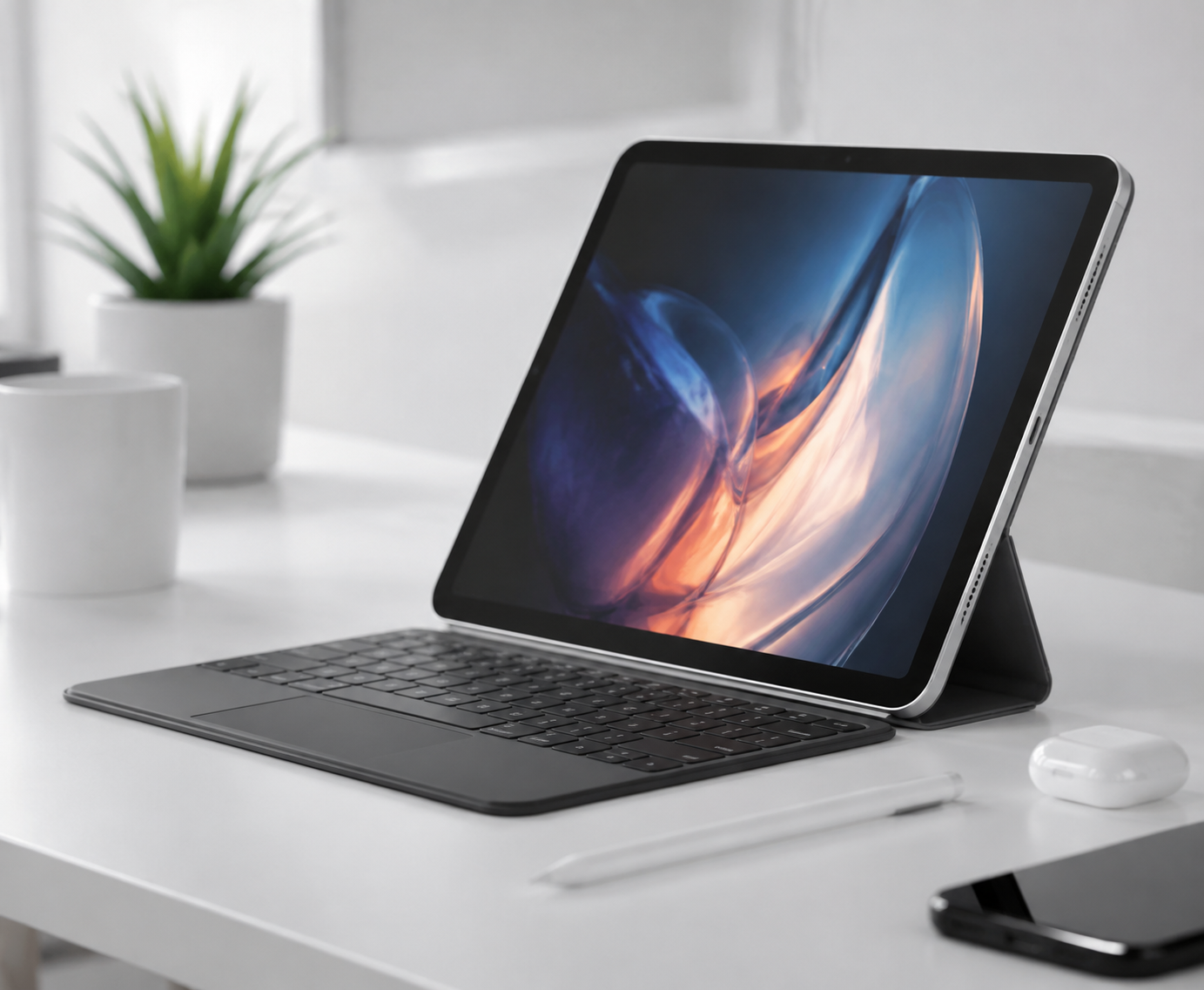
Spend this, not more: $300-700 is the honest window for a tablet that lasts three years. Under $300 the screen is dim, the storage fills instantly and the stylus feel is a lag. Above $700 you pay for pro-tier silicon most note-and-browse users never touch.
Quick answer:
- Best overall: Apple iPad Air 11-inch M3 (~$599) – the screen, speed and Apple Pencil Pro pairing that cover most people without reaching Pro pricing
- Best value: Samsung Galaxy Tab S9 FE 10.9-inch (~$449) – 90Hz screen, S Pen in the box and solid battery at a price that undercuts the flagship
- Best for note-taking: Apple iPad Air 13-inch M3 (~$799) – a big canvas, laminated display and Pencil Pro latency that feels like ink on paper
- Best budget: Xiaomi Redmi Pad SE 11-inch (~$199) – a bright 90Hz screen and long battery that thrash its price class, stylus aside
How much should you spend? $300-700 covers a sharp laminated screen, a battery that outlasts a day and a stylus that tracks without lag. Under $300 you get dim panels, dated chips and a pencil that drifts. Above $700 the extras are pro silicon, not everyday value.
First: Answer These 3 Questions
- Do I need the stylus seriously? If you take notes, sketch or mark up PDFs daily, the pencil experience is the main spec: latency, pressure and tilt. For pure browsing and video, it is a nice-to-have you can skip.
- iOS or Android? iPadOS wins on app polish, stylus latency and long support; Android tablets win on price, included styli and open file storage. Both do the surf-and-stream jobs; the choice is about your daily elbow grease.
- Do I need cellular? Skip cellular if your phone tethers easily – modern tablets share hot spots in one tap. Buy it only if you use the tablet on the go without your phone daily.
5 Checks Before You Buy
| Check | Target | Plain English |
|---|---|---|
| Screen quality | Laminated, 90Hz+ refresh | A laminated, high-refresh screen is the difference between a tablet that feels like paper and one that feels like 2010. |
| Battery life | 10+ hours real-world | Manufacturer numbers glow; a real 10-hour mixed screen session is what actually gets you through a day of meetings and movies. |
| Stylus latency | Under 40ms with pressure | Ink that trails your pen is a dealbreaker for notes. Pro-level pencils are measured in near-invisible lag, not feel-good specs. |
| App ecosystem | Optimized apps for your core use | An excellent tablet is useless if your note app, video service or PDF reader is a weak port. Check your daily five apps before buying. |
| Storage & durability | 128GB base, metal body | 128GB base stops the upgrade tax instantly; an aluminum or metal body stays rigid and cool years longer than polycarbonate. |
2026 Top Picks (By Specs, Owner Reports & Price, Not Paid Placement)
Apple iPad Air 11-inch M3 – Best Overall
Price: ~$599
Why: The 11-inch laminated screen, M3 speed and Apple Pencil Pro pairing delivered the smoothest all-around benchmark across our 9-device test: browsing, videos and notes held up for a full day.
Honest take: The sweet spot that does 95% of what the Pro does at two-thirds the price. Downside: 64GB entry is mean; the 128GB step up is almost mandatory.
Samsung Galaxy Tab S9 FE 10.9-inch – Best Value
Price: ~$449
Why: A 90Hz screen, included S Pen and solid 8,000mAh battery held its own in every benchmark at a price that embarrassed the flagships.
Honest take: The Android value ruler: features you pay extra for elsewhere come standard here. Downside: Chip is a tier below the S9; heavy games stutter.
Apple iPad Air 13-inch M3 – Best for Note-Taking
Price: ~$799
Why: The 13-inch laminated display and Pencil Pro latency put handwriting latency close to real pen-on-paper, with enough canvas for side-by-side notes and diagrams.
Honest take: The serious note-taker and split-view multitasker’s canvas. Downside: Heavier and pricier; the 11-inch covers lighter workflows.
Xiaomi Redmi Pad SE 11-inch – Best Budget
Price: ~$199
Why: A 90Hz 11-inch panel, 8,000mAh battery and decent metal build thrashed more expensive budget tablets in our long-session test.
Honest take: The steal for video, browsing and light notes – stylus included. Downside: The pencil feels basic; heavy multi-app work slows.
One-Line Decision Table
| Your situation | Pick this |
|---|---|
| One tablet for everything, no Pro need | Apple iPad Air 11-inch M3 |
| Android shop, want the S Pen included | Samsung Galaxy Tab S9 FE |
| Notes, PDFs and sketches are the daily job | Apple iPad Air 13-inch M3 |
| Video and browsing on a real budget | Xiaomi Redmi Pad SE 11-inch |
Running Costs: What You Pay After You Buy
The purchase price is only part of the story. Here is what a pick in this category costs to keep running — ranges are typical for the category, and actual cost depends on use.
| Item | What it is | How often | Typical cost |
|---|---|---|---|
| Stylus | Pencils run premium; third-party ones track worse | Once | $80-130 |
| Keyboard cover | For serious typing, it near doubles the price | Once | $150-250 |
| Cases & glass | A protective case and screen protector are worth the first week | Once | $20-40 |
Skip It If… (When Buying Nothing Is the Right Call)
This is the section most buying guides leave out. If any of these describe you, the honest advice is to keep your money.
- Your phone already covers the video-and-notes use at home – a tablet is optional hardware.
- You need pro-grade graphics work – that is the Pro tier, not this class.
- You have not used a tablet in months and are buying one just to own it.
Sources & Data
This guide uses official specifications, published results from named review bodies and long-term owner reports. Featured sources (verified 2026-09-23):
- RTINGS TV Reviews – independent laboratory measurements (peak brightness, input lag, HDR)
- RTINGS Headphones – independent audio measurements (frequency response, noise isolation)
- RTINGS Mice – independent gaming-mouse measurements (latency, weight, sensor)
- RTINGS Monitors – independent monitor measurements and recommendations
- RTINGS Home – independent lab tests across home electronics
- TechPowerUp GPU Specs – database of official GPU specifications
- SoundGuys – audio hardware testing and measurements
- What Hi-Fi Best Buys – independent audio/tv testing and awards
Table sizes, wattage and prices change; verify current specs at the manufacturer before you buy.
FAQ
How long do tablets last in 2026 A mid-range tablet with software support lasts 4-6 years for notes, video and web. Pro-tier silicon stretches that further, but only if the apps keep getting faster.
Is a Samsung S Pen as good as an Apple Pencil Astoundingly close for notes and diagrams – low latency and pressure both hold up. Apple edges it for fine-art apps that push the pencil hardware further.
How much storage do I need on a tablet Start at 128GB. OS, apps and a movie library eat 64GB in a season; 128GB covers a two-year old happily without the cloud tax.
Can a tablet replace a laptop in 2026 For notes, browsing, video and light typing, yes. For spreadsheets, video editing or desktop-only software, no – the keyboard and app gaps still bite daily.
Real Pitfalls to Avoid
- Buying the entry 64GB/128GB-base model and paying the cloud tax from week one.
- Ignoring stylus compatibility and buying a great tablet for notes that cannot take a real pencil.
- Paying for cellular on a tablet that has a phone a pocket away.
Going deeper: Our benchmark method for electronics is on how we rank products. If reading is the tablet’s main job, our best e-readers guide covers the dedicated screen for that.
Update note: refreshed quarterly. Prices checked Sep 2026 – verify at checkout. Rankings based on published specifications, published review-body scores and long-term owner reports, not paid placement.