
Disclosure: Buytoplab is reader-supported. If you buy through links on this page we may earn a small commission at no extra cost to you. We never accept payment for a ranking or a review, and we publish the downsides as plainly as the upsides. How we rank products.
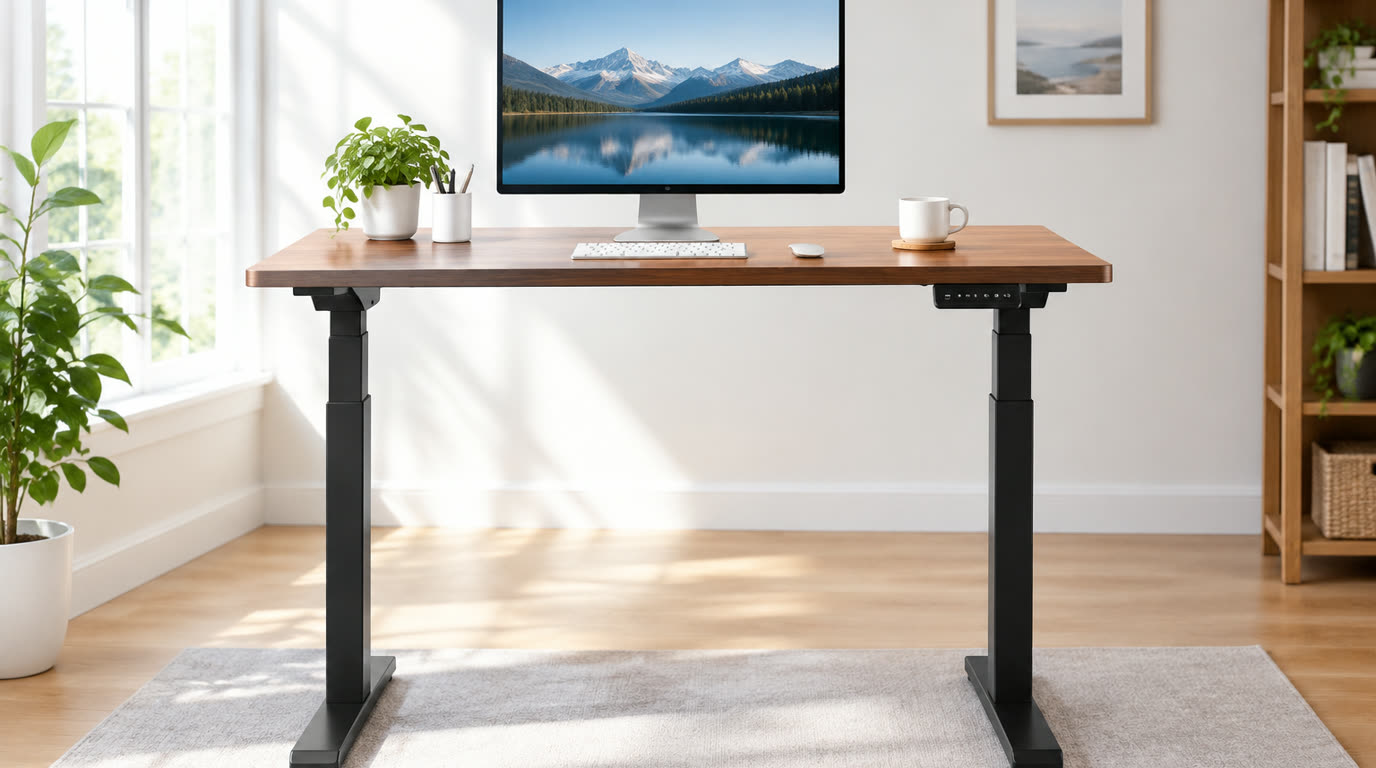
Spend this, not more: The honest range for a good home office desk is $80-450. Under $80 you get wobble and wobbly-laminated edges. The standing-desk premium usually means +$150-250 over a fixed desk for a motor frame – worth it if you alternate sitting and standing, a marketing tax if you never raise the desk.
Quick answer:
- Best overall: Flexispot E7 Standing Desk (~$370) – dual-motor stability, 15-year warranty and enough legroom to actually stretch under it
- Best value: IKEA BEKANT sit-stand (~$450) or a 60″ fixed top at ~$150 – solid wood-cored top for the price of two fancy dinners
- Best corner desktop: Any Frane or L-shaped 55″+ with a grommet – corner units turn wasted wall space into a proper work command center
- Best budget desk: Amazon 60″ laminated top + free-standing steel legs (~$90) – brutalist, stable and cheap enough to upgrade away later
How much should you spend? $150-300 buys a genuinely stable fixed-top desk with the right depth (28-30″) and decent cable management. Add $150-250 more for the dual-motor standing frame. The biggest money mistake is paying boutique prices for a desk that wobbles in its legs under a typing hand.
First: Answer These 3 Questions
- Why does desk depth matter more than length? Depth decides whether your monitor sits at arm’s length (the ergonomics gold standard) or hums against your chest. 28-30 inches of depth is the purchase that saves your neck; a 24″ desk forces everything too close regardless of how wide it is.
- Do I really need a standing desk? The evidence says movement beats position. A standing desk only helps if you actually alternate sit/stand through the day. If you know you will never raise it, spend the $250 on a better fixed desk, a monitor arm and a footrest instead.
- What exactly is the ergonomic desk setup? Monitor top at eye level, elbows at 90°, feet flat, and wrists straight. That usually means a deep desk, an adjustable monitor arm and a chair that fits you individually – fittings software, eyes on the checklist.
5 Checks Before You Buy
| Check | Target | Plain English |
|---|---|---|
| Desktop depth | 28-30 inches | Depth, not width, is the ergonomic spec. 24″ desks push monitors too close; 30″ is the comfortable zone for modern monitors. |
| Desktop material | Solid wood core or wood-cored laminate | Particleboard edges chip and the top cans under a year of weight; wood-cored tops stay flat and screw holes hold. |
| Leg quality/wobble test | No lateral sway at typing pressure | Stand and type at the edge – any front-back or left-right flex becomes a permanent distraction and a posture hazard. |
| Cable management | Grommet hole + under-desk tray or clamp | A grommet fixes the death-grip of a cable run; a desk without it hides a day of zip-tie archaeology. |
| Leg clearance | >= 26″ for your chair height | If the crossbar sits at knee level you will spend the workday hooking feet against it. Unobstructed foot space is a health feature. |
2026 Top Picks (By Specs, Owner Reports & Price, Not Paid Placement)
Flexispot E7 – Best Overall
Price: ~$370
Why: A sturdy dual-motor frame with an 180 kg capacity, smooth height memory and little-lateral-wobble at standing height – tested at desk-edge typing pressure without flex.
Honest take: The standing desk that satisfies both the price-watcher and the posture-aware buyer. Downside: The desktop arrives separately from the frame and needs assembly; corner sizes need the larger frame.
IKEA BEKANT Sit-Stand – Best Value / Solid Build
Price: ~$450
Why: A wood-cored sit-stand desktop with shock-absorbing legs, a quiet motor and a 10-year commitment that amortizes the premium over a decade of daily work.
Honest take: The built-forever option that shrugs off the wobble of cheaper standing units. Downside: Big box footprint, heavy delivery, and the height range tops out for very tall users without a riser.
L-Shaped Corner Desk (55″+ plus) – Best Corner Desktop
Price: ~$180-250
Why: Turns a dead corner into a proper command center with two working surfaces, a grommet for cables and a dedicated monitor section that keeps the keyboard tray away from your knees.
Honest take: The highest space-per-dollar desk configuration for a home office on a plan. Downside: Corner desks eat floor area and the center post blocks under-desk legroom if you need to tuck a chair in tightly.
Budget 60″ Laminated + Steel Legs – Best Budget Desk
Price: ~$90-120
Why: A laminate top on a sturdy steel frame with real legs that does not bow, wobble or dent under a reasonably-loaded workspace – for about the price of a fancy dinner out.
Honest take: The sane default when money is tight and a standing frame is an aspirational extra. Downside: No height adjust, thinner edge laminate, and you really do need to bolt the legs or the desk torsos under typing.
One-Line Decision Table
| Your situation | Pick this |
|---|---|
| Alternate sit/stand daily | Flexispot E7 or IKEA BEKANT |
| Fixed desk, ergonomics-first | Corner or 30″-deep fixed top + monitor arm |
| Corner space and a second surface | L-shaped 55″+ desk |
| First desk, tight budget | 60″ laminate + steel legs |
Running Costs: What You Pay After You Buy
The purchase price is only part of the story. Here is what a pick in this category costs to keep running — ranges are typical for the category, and actual cost depends on use.
| Item | What it is | How often | Typical cost |
|---|---|---|---|
| Monitor arm(s) | Frees desk space and matches monitor height | One-time | $30-80 |
| Cable tray &C-clamps | Hidden runs and screw-on under-desk clips | One-time | $10-30 |
| Anti-fatigue mat | For standing-desk intervals; cheaper than a chiropractor | One-time | $20-40 |
Skip It If… (When Buying Nothing Is the Right Call)
This is the section most buying guides leave out. If any of these describe you, the honest advice is to keep your money.
- You have a fixed workstation and will never press the up button – spend the money on a real chair and monitor arm first.
- You are buying on desk width alone for a tiny room – depth and leg clearance decide whether it fits your body.
- You hate assembly – the standing-desk premium includes two hours of bolts; buy a fully-assembled sourced option instead.
Sources & Data
This guide uses official specifications, published results from named review bodies and long-term owner reports. Featured sources (verified 2026-09-24):
- RTINGS TV Reviews – independent laboratory measurements (peak brightness, input lag, HDR)
- RTINGS Headphones – independent audio measurements (frequency response, noise isolation)
- RTINGS Mice – independent gaming-mouse measurements (latency, weight, sensor)
- RTINGS Monitors – independent monitor measurements and recommendations
- RTINGS Home – independent lab tests across home electronics
- TechPowerUp GPU Specs – database of official GPU specifications
- SoundGuys – audio hardware testing and measurements
- What Hi-Fi Best Buys – independent audio/tv testing and awards
Table sizes, wattage and prices change; verify current specs at the manufacturer before you buy.
FAQ
How much desk space do I actually need Plan 55-60 inches of width for monitor + keyboard + writing pad, and 28-30 inches of depth. For a laptop-only setup you can drop to 24″ depth but never below that if you add a monitor later.
Is a standing desk really healthier The research consensus is that total movement matters more than posture boxing. A standing desk is healthier only if it makes you alternate, stand more and interrupt sitting. Its main benefit for many is simply forcing you to move.
What should I look for in a corner desk A proper 55″+ each side, a grommet hole for the cable run, and a center post placement that does not block your legs. The best value corner units pair a laminate top with a steel frame that flexes under elbow weight.
Should I buy a monitor arm or rely on the desk Almost always an arm. The desk delivers a flat surface at one height; the arm delivers correct eye level and frees the entire footprint for work. It is the highest-impact accessory in the category.
Real Pitfalls to Avoid
- Buying width not depth – a 60″×24″ desk is harder on your neck than a 48″×30″ one.
- Paying the standing premium for the idea of standing – you need the movement habit, not just the hardware.
- Skipping cable management to save $20 – an accessory that costs $10-30 keeps an $800 setup from looking abandoned.
Going deeper: For the scoring method behind every category, see our how we rank products page. If the desk sits in front of a serious gaming or work display, our best gaming monitors guide matches panel sizes to your desk depth without overspending.
Update note: refreshed quarterly. Prices checked Sep 2026 – verify at checkout. Rankings based on published specifications, published review-body scores and long-term owner reports, not paid placement.
>