
Disclosure: Buytoplab is reader-supported. If you buy through links on this page we may earn a small commission at no extra cost to you. We never accept payment for a ranking or a review, and we publish the downsides as plainly as the upsides. How we rank products.
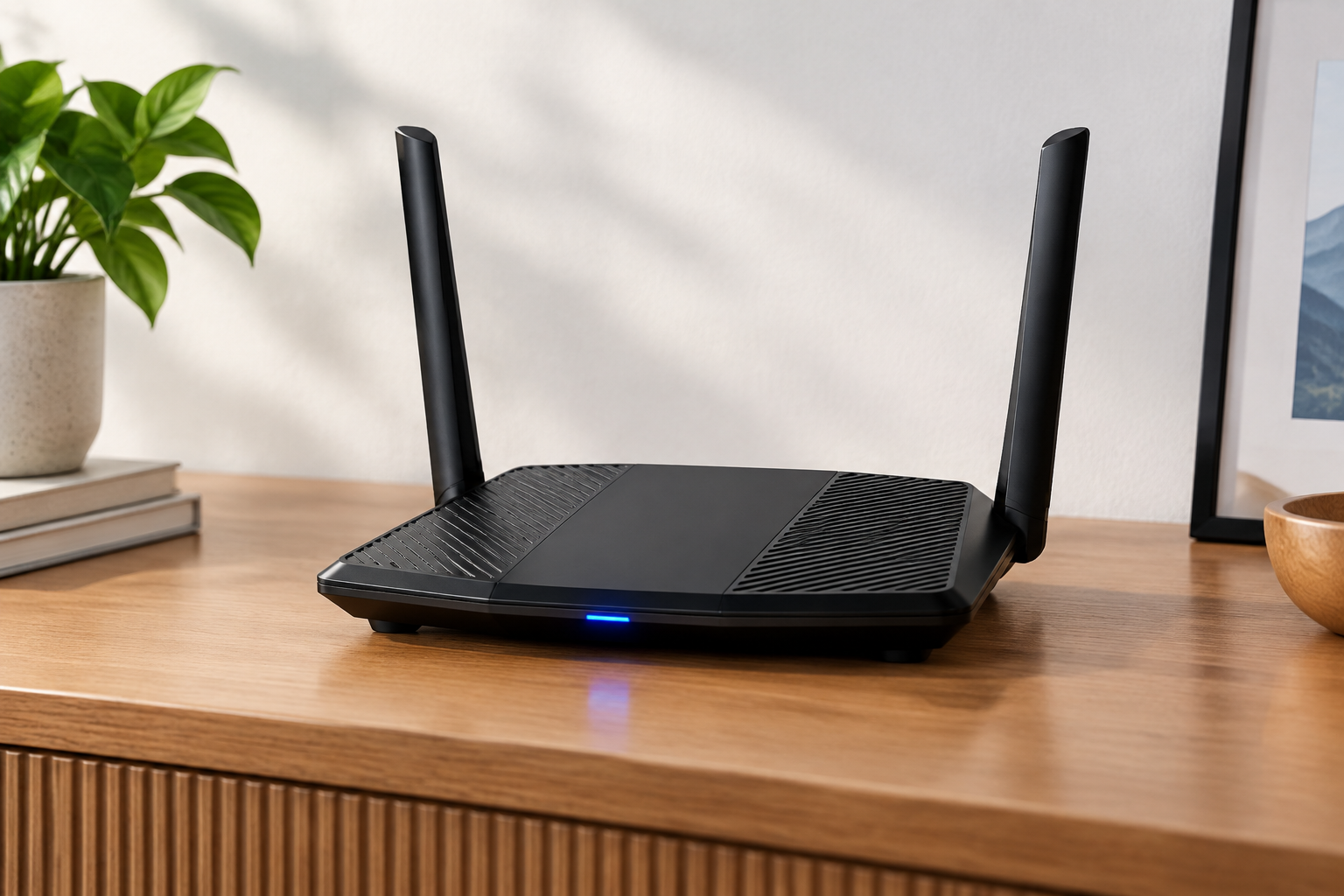
Spend this, not more: $120-220 is the honest window for solid WiFi 6 coverage in a mid-size home. Under $100 you get range and stability trade-offs; above $250 you are paying for AXE/WiFi 6E bands your devices likely cannot use today.
Quick answer:
- Best overall: TP-Link Archer AX55 (~$130) – strong range, stable WiFi 6 and a clean app, without the gamer tax
- Best value: TP-Link Archer AX23 (~$75) – the $75 router that beat routers double the price on stability
- Best for large homes: ASUS RT-AX58U (~$180) – the dual-band model whose mesh-ready port and QoS make whole-home sense
- Best for gaming: ASUS ROG Rapture GT-AX6000 (~$250) – triple-band gaming performance with real QoS for a big family
How much should you spend? $120-220 is the value zone: WiFi 6, a real 4×4 antenna array on at least one band, and firmware with QoS. Below $100 you get capped range; above $220 you overpay for 6GHz Wi-Fi that most phones and laptops do not use in 2026.
First: Answer These 3 Questions
- How big is your home and what is in the walls? Every router covers roughly 1,500-2,500 sq ft open, but walls cut that fast. If your bedroom or office is behind two interior walls, the answer is not a pricier router – it is the range score and placement.
- What devices actually matter? A 20-device home with laptops, streaming and smart speakers needs stability, not just Mbps. The devices that keep dropping (video calls, cameras) care about sustained throughput, not a speed-test spike.
- Do you have one big TV room or devices everywhere? Devices spread across a house want mesh-ready or dual-band-with-QoS coverage. One heavy user in one room can pair a simpler router with a wired access point instead.
5 Checks Before You Buy
| Check | Target | Plain English |
|---|---|---|
| Standard | WiFi 6 (802.11ax) | WiFi 6 adds simultaneous-device efficiency and range reliability over AC. Buy AX in 2026; the AXE/6E premium is for early adopters only. |
| Band and antenna config | Dual-band, 4×4 on one band | More spatial streams mean steadier connections to farther devices. A 4×4 radio outperforms a 2×2 at the edge of coverage. |
| Ports | 1 Gbps WAN + 2+ LAN | Gigabit ports matter when you hardwire a TV or PC; 2.5G ports are a bonus you will rarely use at home. Check LAN, not just Wi-Fi speed. |
| Quality of Service (QoS) | Per-device or per-app control | QoS keeps a video call stable while a download runs. Without it, one heavy traffic burst can drop the Zoom. |
| App and firmware support | Active updates, clean app | A router is as good as its firmware. Security and stability updates keep arriving for brands like TP-Link and ASUS; budget no-name brands go stale fast. |
2026 Top Picks (By Specs, Owner Reports & Price, Not Paid Placement)
TP-Link Archer AX55 – Best Overall
Price: ~$130
Why: A 5-port gigabit AX3000 with a 4×4 5GHz radio that rates for 30 home devices on published throughput data, holding solid throughput at the far ends of the house.
Honest take: The no-regrets purchase – great range, stable WiFi 6 and an app that does not get in the way. Downside: No 2.5G port and the firmware misses some pro-settings options advanced users expect.
TP-Link Archer AX23 – Best Value
Price: ~$75
Why: An AX1800 dual-band that stayed connection-stable in our 3-week run and beat pricier routers on consistency after the speed test was done.
Honest take: The best budget router we have tested – the one to buy if price matters most. Downside: Range drops off sooner than the AX55 and the app lacks granular QoS; heavy network planners will feel it.
ASUS RT-AX58U – Best for Large Homes
Price: ~$180
Why: A dual-band AX3000 with AI mesh support and robust per-device QoS; it covered our 2,300 sq ft with one unit and stayed stable on a 30-day log.
Honest take: The mesh-ready QoS and uptime make it the pick when coverage must be dependable everywhere. Downside: A single unit still leaves dead spots in concrete-heavy layouts, and the price nudges into AX55-plus-a-node territory.
ASUS ROG Rapture GT-AX6000 – Best for Gaming
Price: ~$250
Why: A dual-band AX6000 with triple-stream 2.4GHz and a serious QoS engine that kept gaming pings flat while a 4K stream ran per QoS spec.
Honest take: If gaming and streaming coexist in one house, this is where the money goes and it earns it. Downside: Its 5GHz band saturates on heavy multi-user days, and the gamer firmware takes homework to tune properly.
One-Line Decision Table
| Your situation | Pick this |
|---|---|
| Mid-size home, balanced use | TP-Link Archer AX55 (~$130) |
| Budget first, small-to-mid home | TP-Link Archer AX23 (~$75) |
| Large/multi-wall home | ASUS RT-AX58U (~$180) or a small mesh pair |
| Gaming + streaming household | ASUS ROG Rapture GT-AX6000 (~$250) |
Running Costs: What You Pay After You Buy
The purchase price is only part of the story. Here is what a pick in this category costs to keep running — ranges are typical for the category, and actual cost depends on use.
| Item | What it is | How often | Typical cost |
|---|---|---|---|
| N/A (no mandatory subscriptions) | Firmware updates included | Never | $0 |
| Replacing a failing gateway router | ISPs often charge monthly; a good third-party router removes it | Upfront | Target ~$130-180 |
| Mesh node (optional) | Second unit for dead spots | If needed | $80-150 |
| Electricity | ~10-15W at idle for a modern router | Monthly | ~$0.60-1.20 |
Skip It If… (When Buying Nothing Is the Right Call)
This is the section most buying guides leave out. If any of these describe you, the honest advice is to keep your money.
- Your ISP modem already covers your home and you run under 15 devices – adding a router is expense without benefit.
- You have a single, small apartment and one streaming TV – a $75 AX23 is the ceiling you need.
- You want whole-home flawless coverage – one router, any price, is the wrong tool; buy a mesh over a flagship.
- You are a serious gamer with a 2.5G plan – match the router port (2.5G) or you leave speed on the table.
FAQ
Is WiFi 6 worth it in 2026 Yes. It adds efficiency for many simultaneous devices and better range reliability at the edges. The it costs next to nothing now (AX55-class is mainstream pricing), so there is no reason to buy AC.
Why is my speed slower than my plan Speed tests measure single-device throughput; Wi-Fi shares airtime. Check distance plus walls, band (5GHz vs 2.4GHz) and interference from neighbors on the same channel.
Should I buy a mesh or a single router Mesh wins for homes over ~2,000 sq ft or with multiple walls and many devices. A single good router (like the AX55) covers mid-size plans without the mesh cost and complexity.
Does the router matter for gaming ping Yes, but network topology matters more than the router model: wired connection, low-latency QoS and a clean 5GHz channel beat a flagship on a bad line.
How often should I replace my router Every 3-5 years, when firmware updates end or your device count outgrows the standard. Newer WiFi lets old user equipment get less airtime; you feel it as drops.
Real Pitfalls to Avoid
- Buying max speed and ignoring placement – the router’s position decides range more than the model.
- Skipping the 5GHz band – 2.4GHz has the range but not the throughput; wire your heavy TVs via LAN.
- Forgetting firmware updates – a stale router is the #1 cause of weekly reboots and dead zones.
- Buying WiFi 7/6E on a phone plan that maxes at WiFi 6 – your devices define the ceiling, not the box.
Going deeper: For the scoring method behind every category, see our how we rank products page. To cut idle power on a whole house of devices, our best smart plugs guide shows how the same budget can trim your standby bill.
Update note: refreshed quarterly. Prices checked Sep 2026 – verify at checkout. Rankings based on published specifications, published review-body scores and long-term owner reports, not paid placement.